
|
Do it yourself
| |||
| ||||


|
Replacing the battery of a Lexus UX key is a very simple operation, so there is no need to go to an authorized workshop to do it. The first thing to do is to remove the key and then apply a slight pressure to the right, as shown in the following video, to remove the key cover. Once the cover is removed, all that is left is to remove the protection and finally the battery, perhaps using a small screwdriver to provide a slight leverage. At this point, all that is left is to insert the new battery and put everything back together.
Posted on 21 October 2023 by ScegliAuto
Video tutorial
Related tutorials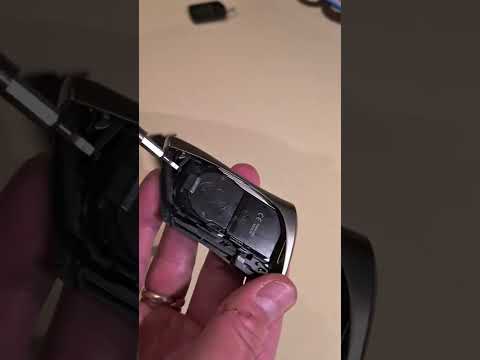
Lexus UX
(2018-2026 /
MK 1)
In this video tutorial, we will see the steps on how to disassemble and replace the battery of the Lexus UX key remote. First, we take the remote in …
Lexus UX
(2018-2026 /
MK 1)
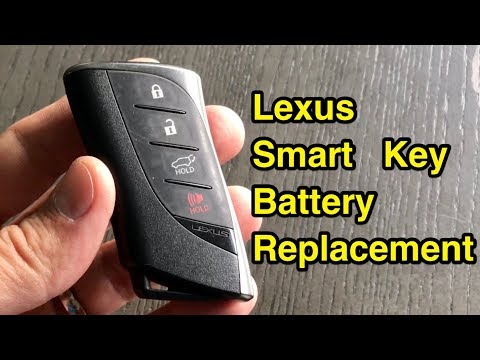
The guide shows how to replace the Lexus UX remote control battery. The first operation to perform is to remove the emergency key from the remote con…
Lexus UX
(2018-2026 /
MK 1)
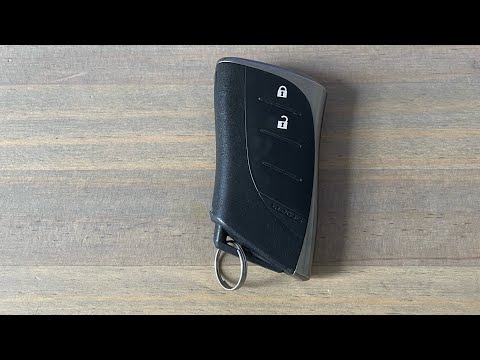
In order to replace the battery of the Lexus UX remote control, you need to slide out the key from the top of the device, removing it completely. Aft…
Other guides you may be interested in
|
Replacing the Rear Window Regulator on a Grande Punto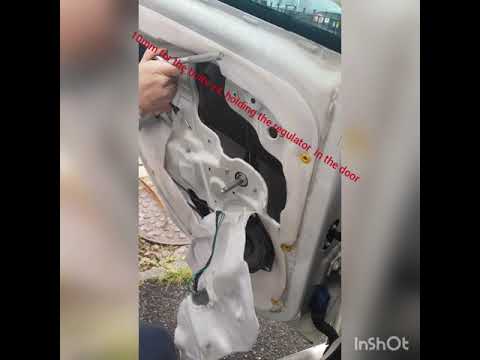
Replace the window regulator on a Fiat Grande Punto? Remove the door panel to access the window regulator motor. Use a lever to remove the manual window crank, then, with a screwdriver, unscrew the securing screws on the plastic panel. Once all screws are removed, use the lever to detach all the plastic clips that secure the door. Pull off the door panel by hand. Remove the access cover to the door and take out the window regulator motor and the rail with the glass. Pull out all the parts from inside the door and replace them with new ones. by ScegliAuto More videos
|
|
For advertising on this site Write to info@scegliauto.com
ScegliAuto is not responsible for any inaccuracy of the data in the lists. To report any inaccuracy or your business (if you own the business in question), please write to info@scegliauto.com
Number of seconds to generate the page: 0.127
(c) ScegliAuto 2026 - info@scegliauto.com - Privacy policy VAT number: IT01247470535 |
