
|
Do it yourself
| |||
| ||||


Mahindra Xylo - Diesel fuel filterDiesel Fuel Filter Mahindra Xylo (2009-2019 / mk 1)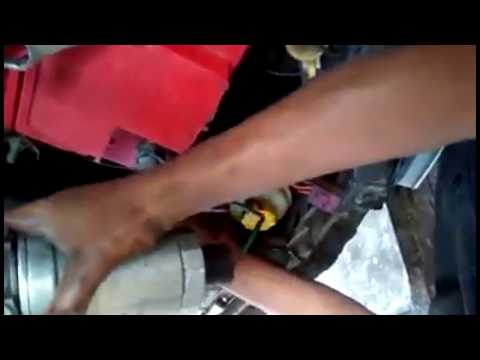 Mahindra Xylo (2009-2019 / MK 1)
How to Change the Fuel Filter on a Mahindra Xylo In this video, you will learn how to replace the fuel filter on a Mahindra Xylo. The fuel filter is located in the engine's intake line and is designed to …Read all… Posted on 5 October 2026 by ScegliAuto 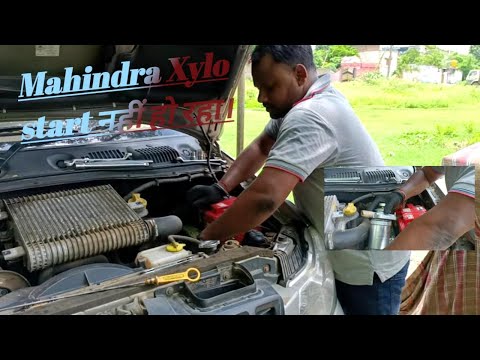 Mahindra Xylo (2009-2019 / MK 1)
How to Replace the Diesel Filter on the Mahindra Xylo? To replace the diesel filter on the Mahindra Xylo, open the hood to access the components inside the engine bay. The diesel filter is located on the right side …Read all… Posted on 21 September 2026 by ScegliAuto 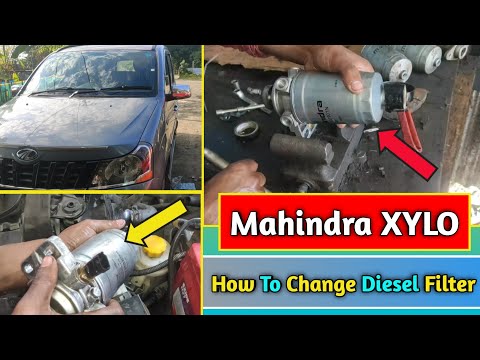 Mahindra Xylo (2009-2019 / MK 1)
How to Replace the Diesel Filter of the Mahindra Xylo In this guide, we will see how to remove and replace the diesel filter of the Mahindra Xylo by following the instructions below. First, open the hood of your …Read all… Posted on 19 July 2026 by ScegliAuto Key (3) Checks and maintenance (1) Air filter (1) Cabin air filter (2) Diesel fuel filter (3) Oil filter (1) Accessory kit (1) Headlight bulb (1) Brake fluid (1) Engine oil (2) Front bumper (1) Brake pads (1) Wheel (2) Suspension system (1) Windshield washer nozzle (1) |
How to Reset the EDC Light on a Mercedes Sprinter?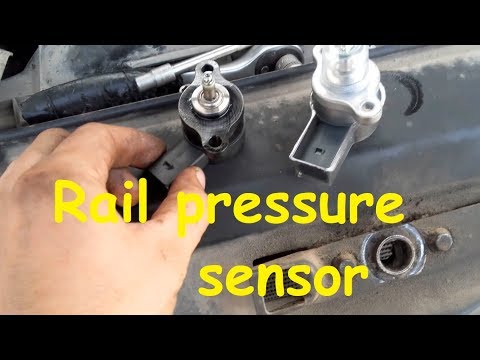
When the EDC light appears on the instrument cluster of a Mercedes Sprinter, it indicates a generic malfunction in the vehicle's injection system. To identify the source of the problem, a diagnosis must be performed at a workshop. This will help identify the damaged component, which will need to be replaced or repaired. Once the issue has been physically addressed, connect a diagnostic tool to the vehicle's OBD port located under the steering column. This will allow you to clear the errors in the ECU, turning off the EDC light. by ScegliAuto More videos
|
|
For advertising on this site Write to info@scegliauto.com
ScegliAuto is not responsible for any inaccuracy of the data in the lists. To report any inaccuracy or your business (if you own the business in question), please write to info@scegliauto.com
Number of seconds to generate the page: 0.005
(c) ScegliAuto 2026 - info@scegliauto.com - Privacy policy VAT number: IT01247470535 |
