
|
Do it yourself
| |||
| ||||


|
Model: Malaguti Phantom F12 50
In today's tutorial, you will learn how to remove and replace the rear brake shoes on the Malaguti Phantom F12 scooter. First, place the central stand on your scooter and begin by removing the exhaust silencer by unscrewing the bracket screw; then, remove the central nut of the wheel to take it off, as shown in the video. At this point, take out the old brake shoes from the brake plate and install the new ones (of excellent quality); then, reassemble the braking system by following the reverse procedure of disassembly!
Updated on 5 June 2026 by ScegliAuto
Video tutorial
Related tutorials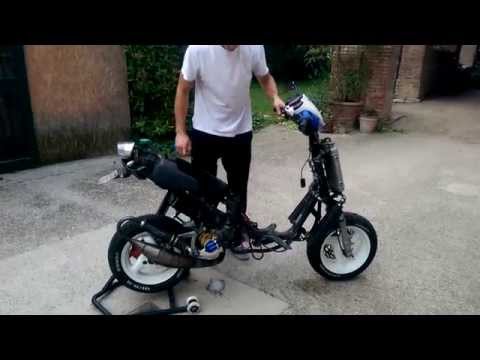
Phantom F12 50
Before you begin, position your Malaguti Phantom F12 on the centre stand. Start by inserting the key into the ignition switch and turning it fully cl…
Phantom F12 50
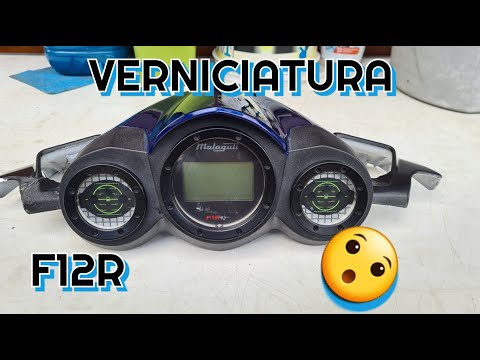
Before starting, position your Malaguti Phantom F12 on the central stand. Begin by unscrewing and removing the lower screws that secure the instrumen…
Phantom F12 50
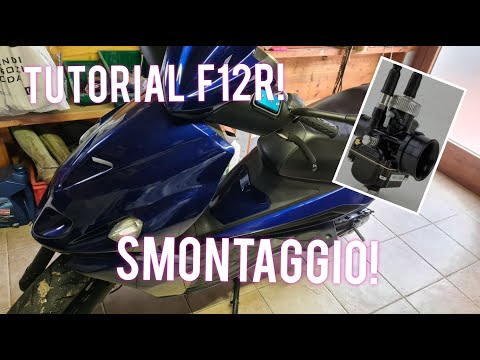
Before you can start, position your Malaguti Phantom F12 on the centre stand. Begin by opening the seat to access the under-seat compartment. Next, u…
|
How to Replace the Air Filter on a Honda CB500X?
Replacing the air filter on the Honda CB500X, as shown in this tutorial, is a very simple and quick operation. First, remove the seat, then loosen the nut securing the negative terminal of the battery, disconnect it, and repeat the process for the positive terminal. Next, detach the upper strap, remove the battery, and unscrew the 4 screws securing the airbox cover. Once opened, you can extract the old filter, remove any residue present in the housing, and fit the new part. by ScegliAuto More videos
|
|
For advertising on this site Write to info@scegliauto.com
ScegliAuto is not responsible for any inaccuracy of the data in the lists. To report any inaccuracy or your business (if you own the business in question), please write to info@scegliauto.com
Number of seconds to generate the page: 0.009
(c) ScegliAuto 2026 - info@scegliauto.com - Privacy policy VAT number: IT01247470535 |
