
|
Do it yourself
| |||
| ||||



Video tutorial
To change the time on the infotainment system of the LDV G10 (the name under which the Maxus G10 is sold in Australia and New Zealand), the procedure is simple and performed from the central touchscreen. First, press the Home button in the top left corner to return to the main screen. Then select Settings from the menu. Make sure you are on the General tab and scroll down to the Time option. At this point, adjust the time forward or backward by one hour, depending on whether you are entering or exiting daylight saving time. Confirm with OK. The change is applied immediately, and the vehicle's clock updates. This procedure is mainly designed for seasonal changes (daylight saving/standard time), but the same menu allows you to adjust the time at any moment. No diagnostic tool is needed: everything is managed from the screen. If the time does not update automatically after the change, check that the automatic sync function (if available) is turned off; otherwise, the system may overwrite the manual setting.
Posted on 21 November 2026 by ScegliAuto
Related tutorials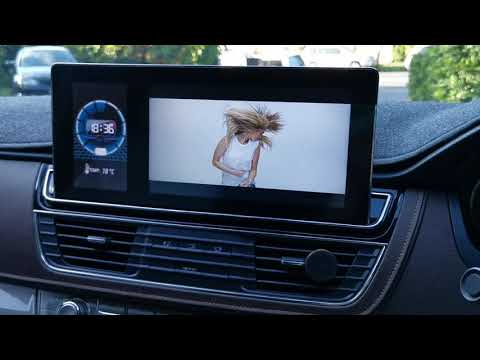
Maxus G10
(2014-2024 /
MK 1)
If the infotainment system display of your Maxus G10 LDV is flickering during radio frequency changes or at other times, you may find the manual powe…
Maxus G10
(2014-2024 /
MK 1)
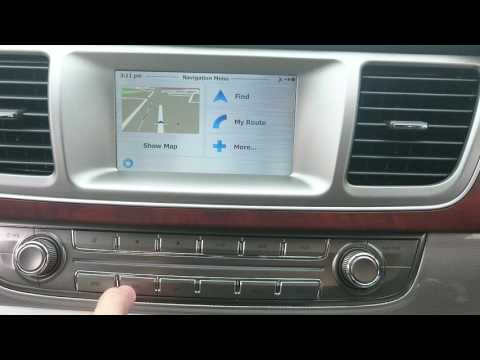
In this brief and simple guide, you will learn how to use the satellite navigation system in the Maxus G10, as well as the LDV G10. First, get inside…
Maxus G10
(2014-2024 /
MK 1)
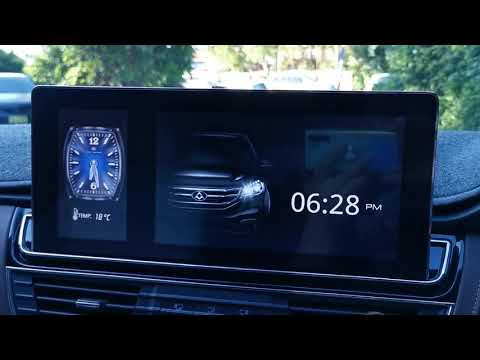
In this short and simple guide, learn how to change the clock style found on the central display of the Maxus G10's instrument panel. First, get in t…
ScegliAuto offers an extensive international collection of automotive tutorials available in 12 languages. Each guide combines instructional videos with original explanations written by experienced human editors, along with information about the car models covered.
Other guides you may be interested in
|
How to Reset the Air Conditioner on the Mercedes E-Class?
To reset the air conditioner on the Mercedes E-Class, turn on the ignition by inserting the key into the ignition switch. Once the ignition is on, press and hold the REST and 0 buttons located on the center panel of the dashboard. While holding these buttons, you will notice that the air conditioning settings will be restored to their default values. After the reset procedure is complete, you can turn off the ignition again by turning the key. by ScegliAuto More videos
|
|
For advertising on this site Write to info@scegliauto.com
ScegliAuto is not responsible for any inaccuracy of the data in the lists. To report any inaccuracy or your business (if you own the business in question), please write to info@scegliauto.com
Number of seconds to generate the page: 0.050
(c) ScegliAuto 2026 - info@scegliauto.com - Privacy policy - About us VAT number: IT01247470535 |
