
|
Do it yourself
| |||
| ||||


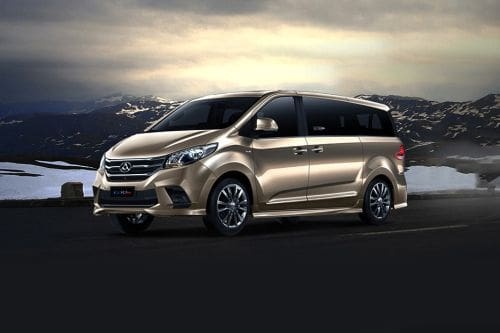
How the Lift Assistance System Works for Disabled Individuals on the Maxus G10
Model: Maxus G10
MK 1
- Years:
2014, 2015, 2016, 2017, 2018, 2019, 2020, 2021, 2022, 2023, 2024
Video tutorial
This presentation describes how the lift assistance system for disabled individuals operates. This system is very useful because it eliminates the need for assistance from another person, allowing the individual with disabilities to have a degree of independence. Specifically, the rear seat is controlled via a remote and can rotate 90° and extend out of the vehicle to allow access and egress for a disabled person. Therefore, once the rear sliding door is opened, the person seated in the seat can control both the descent and then the ascent themselves.
Updated on 8 July 2026 by ScegliAuto
Related tutorials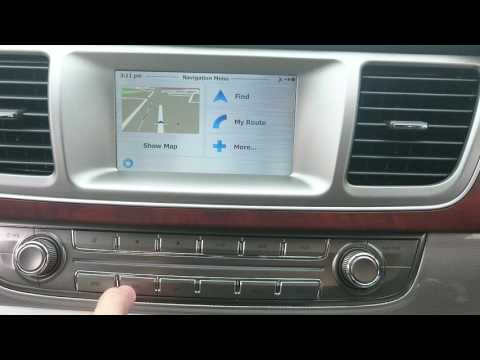
Maxus G10
(2014-2024 /
MK 1)
In this brief and simple guide, you will learn how to use the satellite navigation system in the Maxus G10, as well as the LDV G10. First, get inside…
Maxus G10
(2014-2024 /
MK 1)
If you are curious about the exact location of the fuse box in your Maxus G10, just read the instructions in the following mini guide. First, make su…
Maxus G10
(2014-2024 /
MK 1)
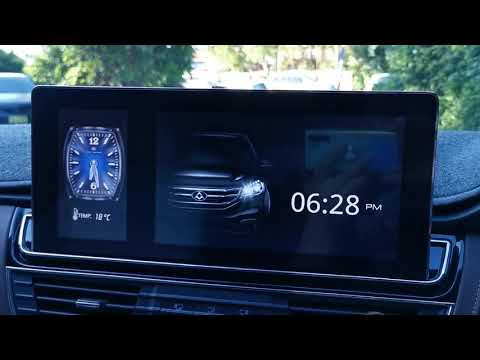
In this short and simple guide, learn how to change the clock style found on the central display of the Maxus G10's instrument panel. First, get in t…
Other guides you may be interested in
|
How to Reset the Tire Pressure Light on a MG ZS?
On the instrument cluster of the MG ZS, the tire pressure light that appears can be reset by inflating the tires to the correct pressure: this value will be indicated on the sticker attached to the driver's door pillar. Once the tires have been properly inflated, you can turn on the instrument cluster and navigate through the menu until you find the option that indicates tire pressure: if this screen shows the new values, the light will turn off; otherwise, you will need to drive for a few miles so that the sensors can read the new values and turn off the light afterward. by ScegliAuto More videos
|
|
For advertising on this site Write to info@scegliauto.com
ScegliAuto is not responsible for any inaccuracy of the data in the lists. To report any inaccuracy or your business (if you own the business in question), please write to info@scegliauto.com
Number of seconds to generate the page: 0.196
(c) ScegliAuto 2026 - info@scegliauto.com - Privacy policy VAT number: IT01247470535 |
