
|
Do it yourself
| |||
| ||||


How do you reset the TPMS system in the Mazda 3?
Model: Mazda 3
BP, MK 4
- Years 2019-2026
The Mazda 3, like many other cars, is equipped with tire pressure monitoring sensors located in the wheels. A puncture or a simple deflated tire is immediately detected and then signaled to the driver through the warning light on the dashboard. By informing us of the correct inflation value, established by the manufacturer, we solve the problem and proceed to reset the warning light as described below: Turn on the dashboard, use the control on the left side of the steering wheel to access Settings and select Vehicle Status, Tire Pressure Reset and finally Ok. Warning light reset.
Posted on 5 July 2025 by ScegliAuto
Video tutorial
Related tutorials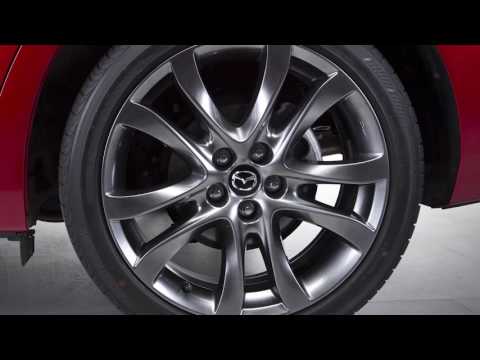
Mazda 3
(2019-2026 /
BP, MK 4)
In this video, we see instructions on how the TPMS system indicators of the Mazda 3 work, and consequently on the maintenance of our vehicle's tires.…
Mazda 3
(2013-2019 /
MK 3, BM, BN)
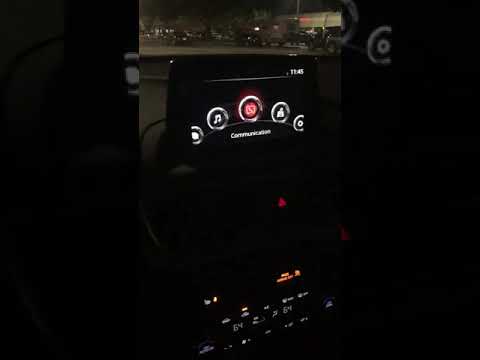
In the Mazda 3, it can happen that the Infotainment system freezes or shows various signs of malfunction. In these cases, it is possible to try to so…

Mazda 3
(2013-2019 /
MK 3, BM, BN)
When the TPMS light comes on in the MAZDA 3, it is necessary to proceed with checking the pressure of all four tires. After adjusting the pressure if…
Other guides you may be interested in
|
How to Remove the Center Console on a Mercedes C-Class
Let's see how to remove the center console on a Mercedes C-Class. Use a plastic trim tool to pry off the cover located at the bottom of the center console. Remove the leather shift boot along with its plastic frame. After removing the cover, unscrew the fastening screws located at the top of the center console with a screwdriver. Once this is done, pull the console away and disconnect the power cables for the knob. Finally, insert the new piece into the center console area and reassemble all the components of the glove compartment as you disassembled them earlier. by ScegliAuto More videos
|

|
For advertising on this site Write to info@scegliauto.com
ScegliAuto is not responsible for any inaccuracy of the data in the lists. To report any inaccuracy or your business (if you own the business in question), please write to info@scegliauto.com
Number of seconds to generate the page: 0.103
(c) ScegliAuto 2026 - info@scegliauto.com - Privacy policy VAT number: IT01247470535 |
