
|
Do it yourself
| |||
| ||||


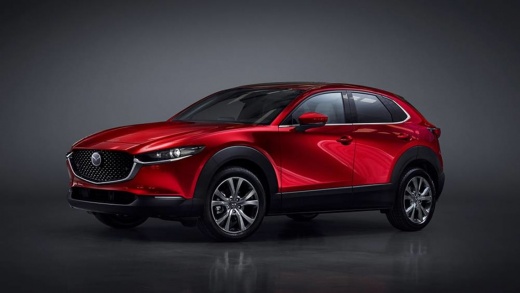
How to open the fuel tank cap of the Mazda CX-30
Model: Mazda Cx 30
, MK 1
- Years:
2019, 2020, 2021, 2022, 2023, 2024, 2025, 2026
Video tutorial
In this video tutorial today, we will see how to open the fuel tank cap on a Mazda CX-30 easily and quickly. So first of all, we need to open the fuel door located at the back of the car on the driver's side, to do this we just need to press it and release it as shown in the video. Now, to remove the fuel tank cap, we simply need to turn it counterclockwise to unscrew it and remove it, allowing us to refuel our car. Please note, in order to open the fuel door, the car doors must be unlocked.
Posted on 23 September 2025 by ScegliAuto
Related tutorials
Mazda Cx 30
(2019-2026 /
, MK 1)
When we buy a new vehicle, especially if our previous car was a bit outdated, we may have difficulty performing simple operations such as opening the…
Mazda Cx 30
(2019-2026 /
, MK 1)
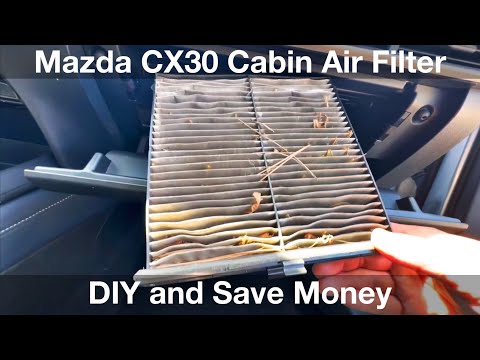
To change the cabin air filter on your Mazda CX-30, follow the steps outlined in this mini guide. First, park the vehicle safely on a flat road, then…

Mazda Cx 30
(2019-2026 /
, MK 1)
Many users of the Mazda CX-30 find themselves struggling with the multimedia screen of their car because the software limits touch functionality for …
Other guides you may be interested in
|
How to Open the Fuel Filler Flap in the Hyundai i30?
In this tutorial, you will learn how to open the fuel filler flap in the Hyundai i30, a very simple operation that follows the typical procedure of most vehicles. First, unlock the locks using the designated button on the remote, then open the driver's door, locate the release lever on the left side of the seat, and operate it. Next, move to the fuel filler flap, open it completely, unscrew the cap, and refuel as needed. To close the flap, simply press it gently. by ScegliAuto More videos
|
|
For advertising on this site Write to info@scegliauto.com
ScegliAuto is not responsible for any inaccuracy of the data in the lists. To report any inaccuracy or your business (if you own the business in question), please write to info@scegliauto.com
Number of seconds to generate the page: 0.060
(c) ScegliAuto 2026 - info@scegliauto.com - Privacy policy VAT number: IT01247470535 |
