
|
Do it yourself
| |||
| ||||


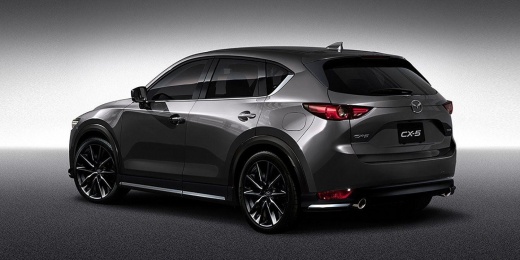
How to Start a Mazda CX-5 with a Non-Functioning Remote
Model: Mazda CX-5
MK 2
- Years:
2017, 2018, 2019, 2020, 2021, 2022, 2023, 2024
Video tutorial
Learn how to start a Mazda CX-5 if the remote is not working. Pressing the start button, the display shows "No key Detected". Clearly, the remote key battery is flat. The immediate solution is to take the remote and press it against the start button, as shown in the video. Hold the remote against the button while pressing to start the car. Inside the remote is a passive RFID chip (battery-free) that is activated and read by the car when very close to the button. This backup system is designed for such situations. The next step is to replace the remote battery (usually a CR2025) as soon as possible.
Posted on 10 September 2026 by ScegliAuto
Related tutorials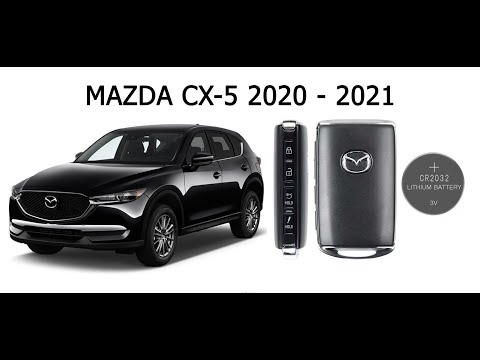
Mazda CX-5
(2017-2024 /
MK 2)
The battery in the key fob that opens the doors of the Mazda CX-5 will eventually run out and needs replacing. On the side of the keyring, you will f…
Mazda CX-5
(2012-2017 /
MK 1, KE)
If you own a first-generation 2014 Mazda CX-5 and are wondering how to replace the cabin air filter, read this guide and follow the steps described. …
Mazda CX-5
(2017-2024 /
MK 2)
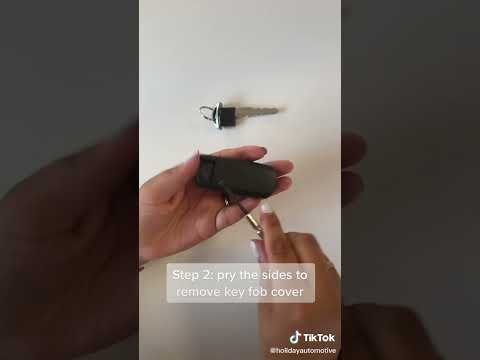
Over time and with use, the battery of the remote control that opens the doors of the Mazda CX5 will deplete, and you will need to replace it with a …
Other guides you may be interested in
|
How to Set the Time in an Audi A4?
In this tutorial, you will see how to set the time in an Audi A4, a very simple and quick operation to perform after replacing the battery or when the time changes. First, insert the key and turn on the instrument cluster. Then, press the "SETUP" button located on the center console. Next, press the upper left arrow button, navigate to the "Time" option, and use the central knob to adjust the clock. Finally, set any necessary formats and save by returning to the main screen. by ScegliAuto More videos
|
|
For advertising on this site Write to info@scegliauto.com
ScegliAuto is not responsible for any inaccuracy of the data in the lists. To report any inaccuracy or your business (if you own the business in question), please write to info@scegliauto.com
Number of seconds to generate the page: 0.106
(c) ScegliAuto 2026 - info@scegliauto.com - Privacy policy VAT number: IT01247470535 |
