
|
Do it yourself
| |||
| ||||


Replace the Diesel Filter on Cx 5
Model: Mazda CX-5
MK 1, KE
- Years 2012-2017
Replace the diesel filter according to the manufacturer's instructions. Start by lifting the front bonnet. Locate the diesel filter as shown in the video. Disconnect the fuel connectors. Using a socket spanner, undo the screws securing the ventilation pipe and remove the kit. Once all screws are undone, take out the filter housing from the vehicle (replace it with a new one). Finally, refit the filter into the associated diesel filter housing (connect the pipes and cables) and tighten the appropriate screws. Reconnect the fuel connectors.
Updated on 16 March 2026 by ScegliAuto
Video tutorial
Related tutorials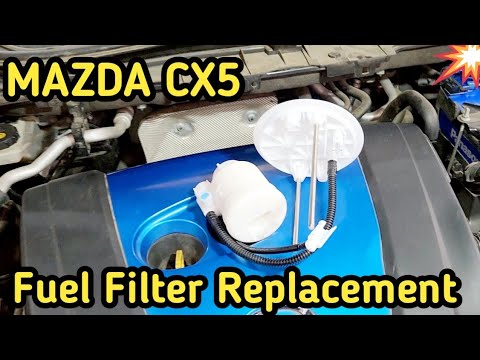
Mazda CX-5
(2012-2017 /
MK 1, KE)
Here are the instructions for removing and replacing the diesel filter on a Mazda CX-5 2.0L. First, open the rear doors and start by removing the rea…
Mazda CX-5
(2017-2024 /
MK 2)
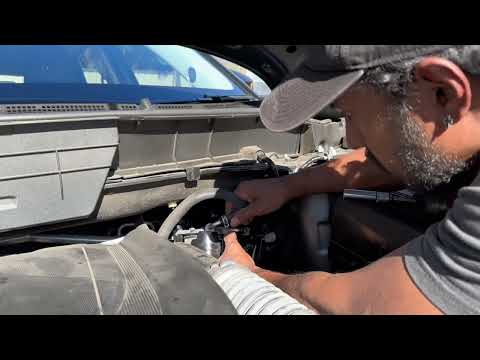
This guide shows you how to remove and replace the diesel filter on the Mazda CX-5, following the instructions below. First, open the bonnet and loca…
Mazda CX-5
(2012-2017 /
MK 1, KE)
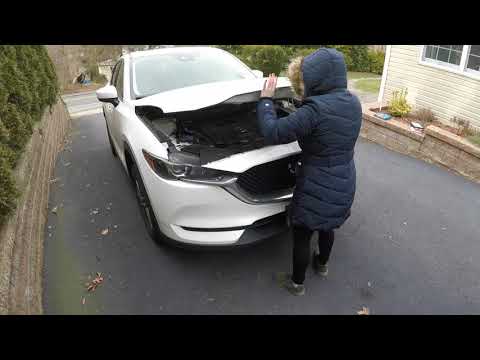
Do you want to replace the air filter in your car? Here’s how to change the air filter on a Mazda CX-5. Unclip and lift the front bonnet of the car, …
Other guides you may be interested in
|
How to Bleed the Clutch on a Renault Clio?
To bleed the clutch on a Renault Clio, open the bonnet to access the components located in the engine bay: here, you will need to undo the screws that secure the battery in its housing, the intake manifold, and the coolant reservoir. This will allow you to locate the pipe through which the brake fluid flows: by inserting the other end of the pipe into a container, you can press the clutch pedal to expel all the fluid until it fills the container. by ScegliAuto More videos
|
|
For advertising on this site Write to info@scegliauto.com
ScegliAuto is not responsible for any inaccuracy of the data in the lists. To report any inaccuracy or your business (if you own the business in question), please write to info@scegliauto.com
Number of seconds to generate the page: 0.775
(c) ScegliAuto 2026 - info@scegliauto.com - Privacy policy VAT number: IT01247470535 |
