
|
Do it yourself
| |||
| ||||


Removal of the Original Car Radio
Model: Mazda 3
MK 2, BL
- Years 2009-2013
Removing the factory car radio is important if you want to install a better, newer one or if the current one is malfunctioning. It is clipped in place, and you will need very thin screwdrivers to remove it. There are "holes" in front; push inside them until you hear the release click. Once the clips are unlocked, pull towards yourself with force. After extracting the car radio, you will see the connected cables: antenna, front and rear speakers, and power supply, which you must remember exactly for the installation of the new car radio.
Updated on 9 February 2026 by ScegliAuto
Video tutorial
Related tutorials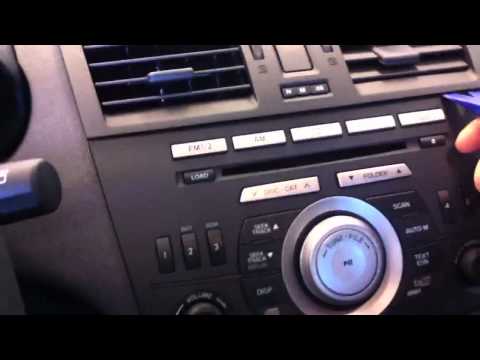
Mazda 3
(2009-2013 /
MK 2, BL)
To remove the original car radio, no special tools or extractors are needed; simply disengage the air vents located at the centre of the dashboard co…
Mazda 3
(2003-2009 /
MK 1, BK)
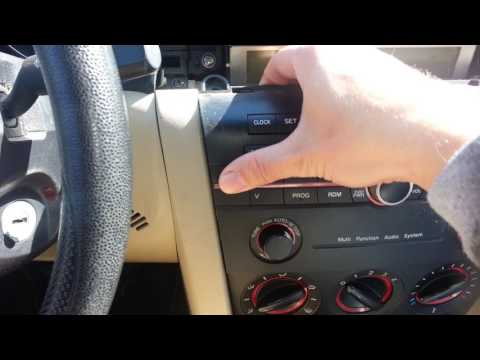
Let's see how to disassemble the original car radio on a Mzda 3 first series, following the instructions below. First of all we go inside the car and…
Mazda 3
(2003-2009 /
MK 1, BK)
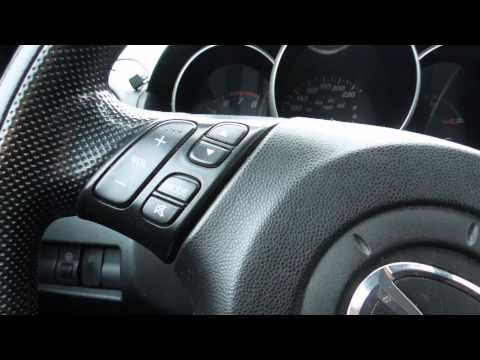
Using a plastic tool to avoid damaging the bodywork, lever around the display trim to release the plastic clips in order to access the retaining scre…
Other guides you may be interested in
|
How to Replace the Air Control Knob Bulbs in a Peugeot 207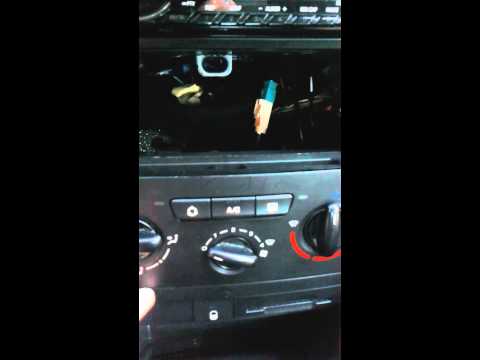
How to replace the bulbs for the air conditioning control knobs in a Peugeot 207? In this video, see how to proceed. Remove the side trim plastics using a plastic lever; disconnect the locking levers of the air conditioning controls with a screwdriver (levering them out), then remove the parts from the instrument panel (as shown in the video). Be careful not to break the plastic tabs that secure the frames. After removing the knobs from the panel, replace the bulbs or LEDs with new ones (remove the onboard computer if replacing the LEDs). Finally, reassemble all the parts in reverse order. by ScegliAuto More videos
|
|
For advertising on this site Write to info@scegliauto.com
ScegliAuto is not responsible for any inaccuracy of the data in the lists. To report any inaccuracy or your business (if you own the business in question), please write to info@scegliauto.com
Number of seconds to generate the page: 0.085
(c) ScegliAuto 2026 - info@scegliauto.com - Privacy policy VAT number: IT01247470535 |
