
|
Do it yourself
| |||
| ||||


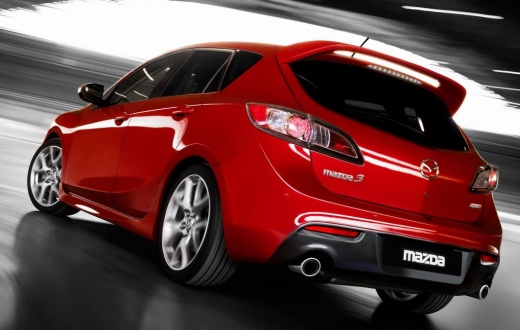
Instructions for Removing the Car Radio
Model: Mazda 3
BL, MK 2
- Years:
2009, 2010, 2011, 2012, 2013
Video tutorial
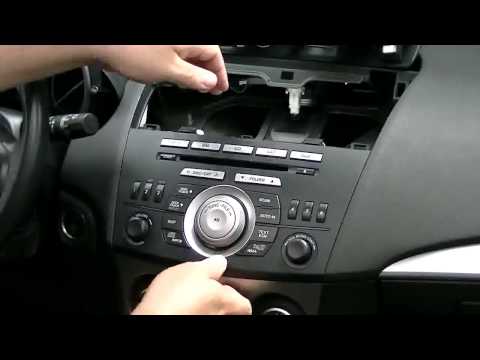
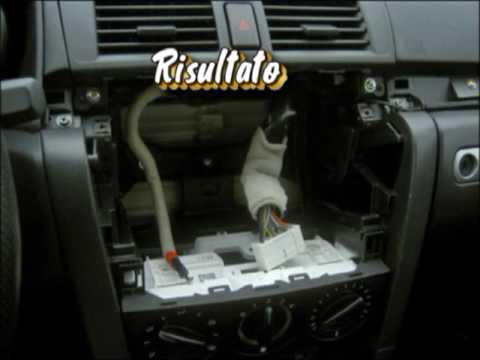
To remove the original car radio, no special tools or extractors are needed; simply disengage the air vents located at the centre of the dashboard console: at this point, unscrew the two mounting screws of the radio and pull it forward to extract it from its housing. Then disconnect the connectors attached to it and remove it completely. Before disconnecting it, however, it is advisable to ensure you have the activation code, which is absolutely essential for subsequent reactivation: if you do not have this code, consider the possibility of retrieving it.
Updated on 8 February 2026 by ScegliAuto
Related tutorials
Mazda 3
(2009-2013 /
BL, MK 2)
Removing the car radio from a vehicle can become necessary when you need to check the serial number to enter the unlock code, or if the connector is …
Mazda 3
(2009-2013 /
BL, MK 2)
Removing the factory car radio is important if you want to install a better, newer one or if the current one is malfunctioning. It is clipped in plac…
Mazda 3
(2003-2009 /
BK, MK 1)
Do you want to replace the factory radio or install a satellite navigation system? Here’s how to do it in a few steps. First, open the glove compartm…
Other guides you may be interested in
|
How to Remove the Rear Seat of a Hyundai Tucson?
To remove the rear seat of a Hyundai Tucson, follow these steps. Start by moving the front seats to their most forward position to gain space. Next, locate the release lever on the underside of the rear seat, near the floor. Press this lever down while pulling the seat upwards to unlock it from the anchor pins. Once unlocked, tilt the seat upwards and forwards to remove it from its position. Repeat this process for both sides of the rear seat. Be careful of any electrical cables or components that may be connected to the seat during removal. Once the rear seat is removed, the disassembly is complete. by ScegliAuto More videos
|
|
For advertising on this site Write to info@scegliauto.com
ScegliAuto is not responsible for any inaccuracy of the data in the lists. To report any inaccuracy or your business (if you own the business in question), please write to info@scegliauto.com
Number of seconds to generate the page: 0.060
(c) ScegliAuto 2026 - info@scegliauto.com - Privacy policy VAT number: IT01247470535 |
