
|
Do it yourself
| |||
| ||||


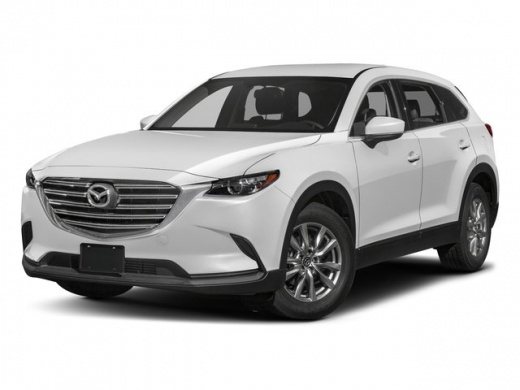
How to open the Mazda CX9 even with the remote not working.
Model: Mazda Cx 9
TC
- Years 2016-2024
How to open the Mazda CX9 even with a faulty remote control or simply with a dead battery. Take your remote control. On the bottom there is a small button, which when pressed helps us to open the remote control body. In fact, inside the lid you can find the physical key that can help you open the car from the driver's door, which also has a lock with a key, just for this eventuality. If necessary, you can then get into the car. You can thus open the bonnet and recharge the car battery. Of course you will also need to change the remote control battery as soon as possible.
Posted on 3 February 2023 by ScegliAuto
Video tutorial
Related tutorials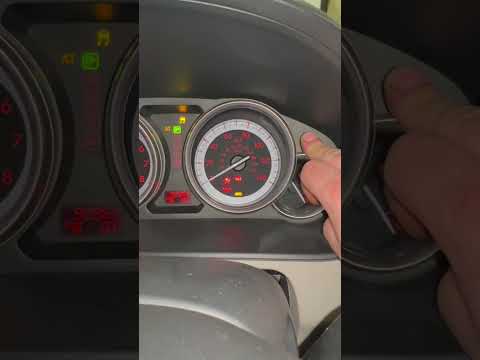
Mazda Cx 9
(2007-2015 /
TB)
If, despite having recently had the regular service performed, the relative alarm warning light continues to come on steadily on the instrument panel…
Mazda Cx 9
(2007-2015 /
TB)
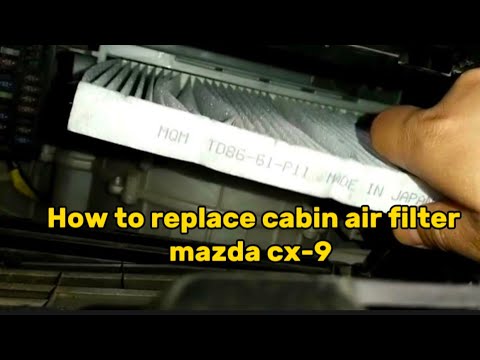
Thanks to the following guide, you will finally be able to correctly complete the replacement of the cabin air filter of your first series Mazda CX9 …
Mazda Cx 9
(2016-2024 /
TC)
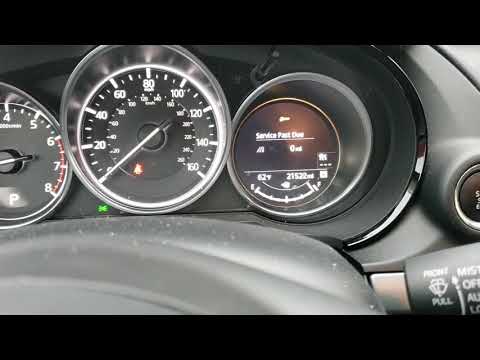
This video shows how to reset the oil maintenance light on a Mazda CX9. This procedure is useful when the light remains on after an oil change. To pe…
Other guides you may be interested in
|
How to Install Universal Roof Bars on a Renault Clio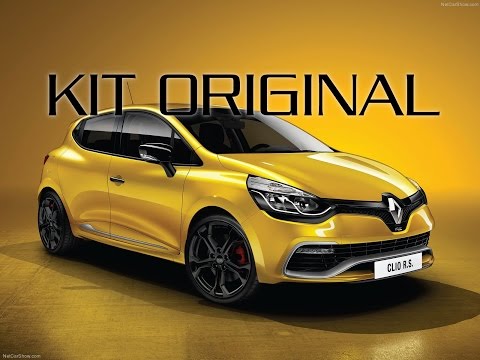
Install universal roof bars on a Renault Clio. Universal roof bars are used on cars with roof rails (fixed bar secured to the roof of the car) and without. Fit the bar kit (as shown in the video) with the bars adjusted according to the width of the car. Position the brackets at both ends of the doors on the car's original roof rails. Once you have adjusted the width of the anchoring brackets (measure with a tape measure), tighten the bolts with the butterfly nut (if a lock is present) until fully secured to the roof rails. Finally, fit the safety caps on both sides. by ScegliAuto More videos
|
|
For advertising on this site Write to info@scegliauto.com
ScegliAuto is not responsible for any inaccuracy of the data in the lists. To report any inaccuracy or your business (if you own the business in question), please write to info@scegliauto.com
Number of seconds to generate the page: 0.134
(c) ScegliAuto 2026 - info@scegliauto.com - Privacy policy VAT number: IT01247470535 |
