
|
Do it yourself
| |||
| ||||


How do you reset the radio of the Mercedes Benz GLC 300?
Model: Mercedes Glc
C254, X254, MK 2
- Years 2022-2026
The operation that we are going to describe below becomes important when the functions of the car radio, and not only, are impossible to perform due, for example, to a failed update or other reasons. Fortunately, concerning the car in question, it is a do-it-yourself intervention, quick and simple, let's see how to do it: Turn on the instrument panel and hold down the button above the one labeled Navi, wait for the screen to turn off and on again, releasing the aforementioned button. Done, the total data deletion and factory reset is completed.
Posted on 7 February 2025 by ScegliAuto
Video tutorial
Related tutorials
Mercedes Glc
(2022-2026 /
C254, X254, MK 2)
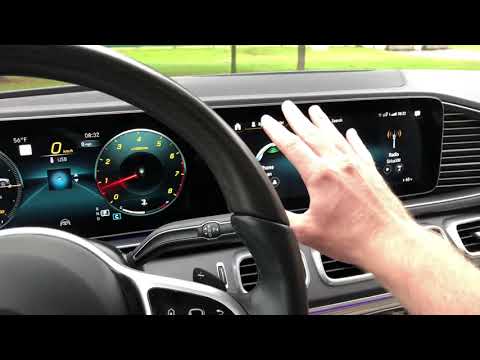
On the Mercedes-Benz GLC, the oil change warning reset is performed entirely from the driver's seat, using the steering wheel controls and the centra…
Mercedes Glc
(2015-2022 /
C253, X253, MK 1)
If the Mercedes GLC radio is frozen and you cannot give commands, you need to unlock it by performing a soft reset. To perform the soft reset, press …
Mercedes Glc
(2015-2022 /
C253, X253, MK 1)
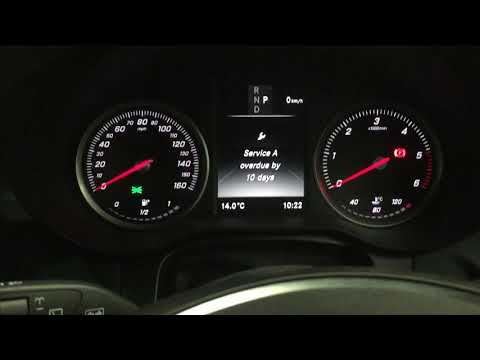
This guide shows how to reset the maintenance light on a Mercedes Benz GLC 220d. The first step is to turn on the ignition to the first position. By …
Other guides you may be interested in |
How to Replace the Cabin Filter on the Opel Grandland X
If you own an Opel Grandland X and want to know the steps to replace the cabin air filter, carefully read the following guide and follow the described steps. First, enter the vehicle and go to the passenger side. Then, locate the box containing the air filter in the lower side area of the dashboard. Remove the cover of the box and finally replace the old filter with the new one. Refit the cover, and you are done. by ScegliAuto More videos
|

|
For advertising on this site Write to info@scegliauto.com
ScegliAuto is not responsible for any inaccuracy of the data in the lists. To report any inaccuracy or your business (if you own the business in question), please write to info@scegliauto.com
Number of seconds to generate the page: 0.071
(c) ScegliAuto 2026 - info@scegliauto.com - Privacy policy VAT number: IT01247470535 |
