
|
Do it yourself
| |||
| ||||


How to diagnose and clear control codes on the Mercedes S-Class W220.
Model: Mercedes Classe S
MK 4, W220
- Years 1999-2005
In this video, we see how to diagnose and then clear the control codes on the Mercedes S-Class W220 version: to do this, we will have to open the diagnostic menu by pressing the call filter button and the "Rest" button simultaneously for about five seconds. A message will appear on the display telling us that the system is searching for error codes; to switch from one number to another, we will have to raise the passenger climate control button. To clear the error codes, we will use the "auto" button, pressing it from both sides, and then the display will tell us that we have cleared them.
Posted on 28 June 2025 by ScegliAuto
Video tutorial
Related tutorials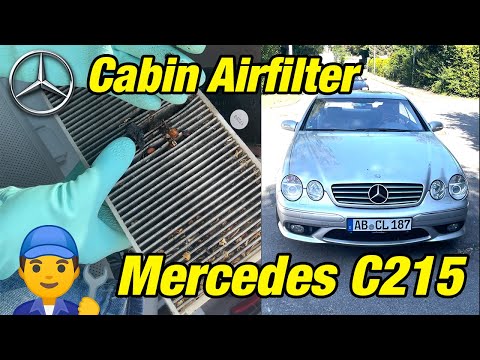
Mercedes Classe S
(1999-2005 /
MK 4, W220)
The cabin air filter in your Mercedes S-Class W220 (1999-2005) is undoubtedly one of the simplest components to replace on your own. First, park the …
Mercedes Classe S
(1999-2005 /
MK 4, W220)
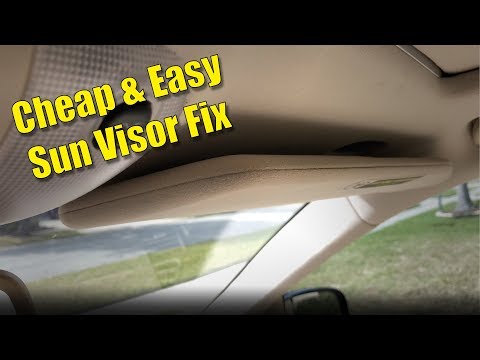
In today's video, you will learn how to remove and repair the sun visor on a Mercedes S-Class W220; this procedure can be applied to most vehicles on…
Mercedes Classe S
(1999-2005 /
MK 4, W220)
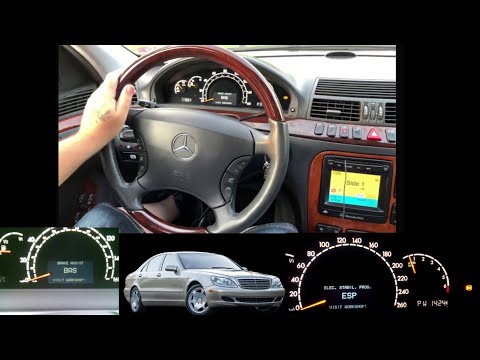
In today's tutorial video, you will see the instructions to reset the ESP light on a Mercedes S-Class W220, third generation, in simple and quick ste…
Other guides you may be interested in |
How to Replace the Cabin Filter on the Opel Grandland X
If you own an Opel Grandland X and want to know the steps to replace the cabin air filter, carefully read the following guide and follow the described steps. First, enter the vehicle and go to the passenger side. Then, locate the box containing the air filter in the lower side area of the dashboard. Remove the cover of the box and finally replace the old filter with the new one. Refit the cover, and you are done. by ScegliAuto More videos
|
|
For advertising on this site Write to info@scegliauto.com
ScegliAuto is not responsible for any inaccuracy of the data in the lists. To report any inaccuracy or your business (if you own the business in question), please write to info@scegliauto.com
Number of seconds to generate the page: 0.139
(c) ScegliAuto 2026 - info@scegliauto.com - Privacy policy VAT number: IT01247470535 |
