
|
Do it yourself
| |||
| ||||


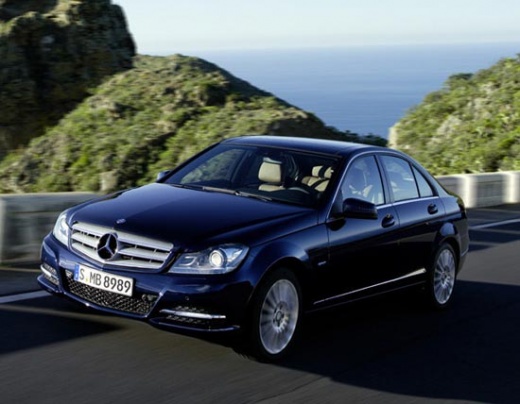
How to Remove the Radio from a Mercedes-Benz C-Class W204
Model: Mercedes Classe C
W204
- Years:
2007, 2008, 2009, 2010, 2011, 2012, 2013
Video tutorial
To remove the radio from a Mercedes-Benz C-Class W204, first, you need to take off the panel around the radio. Use a plastic tool to pry along the entire perimeter of the panel and remove it (it is held in place by clips). The radio is secured by 4 screws; unscrew them and pull out the radio. Behind it, there are several cables: disconnect the power connector (large black); the antenna cable (a round plug); the fiber optic cable (orange or black), and any other cables (USB, AUX, etc.). Now you can take the radio out of the dashboard. If the radio has navigation, the procedure is similar, but the radio is larger and usually has more screws.
Posted on 8 May 2026 by ScegliAuto
Related tutorials
Mercedes Classe C
(2007-2013 /
W204)
.. If on your Mercedes C-Class W204 you see the wrong time and you want to find out how to manually change it in a few seconds,.. …

Mercedes Classe C
(2007-2013 /
W204)
In this very useful video tutorial today, we will see the procedure necessary to change the language of the onboard computer on a Mercedes C-Class, m…

Mercedes Classe C
(2007-2013 /
W204)
.. that contains all the fuses for your Mercedes-Benz C-Class W204. First, lift the hood of the car to gain access to the engine compartment. Then, locate.. …
Other guides you may be interested in
|
How to reset the tyre pressure warning light on the Kia Niro EV?
To reset the tyre pressure warning light on the Kia Niro EV, inflate the tyres until they reach the correct pressure value. This value is indicated on the sticker attached to the driver's door pillar. Once the tyres are inflated, turn on the instrument cluster to check that the warning light has completely disappeared from the display. If it is still present, you may need to drive for a few miles to ensure it disappears completely from the screen. by ScegliAuto More videos
|
|
For advertising on this site Write to info@scegliauto.com
ScegliAuto is not responsible for any inaccuracy of the data in the lists. To report any inaccuracy or your business (if you own the business in question), please write to info@scegliauto.com
Number of seconds to generate the page: 0.019
(c) ScegliAuto 2026 - info@scegliauto.com - Privacy policy VAT number: IT01247470535 |
