
|
Do it yourself
| |||
| ||||


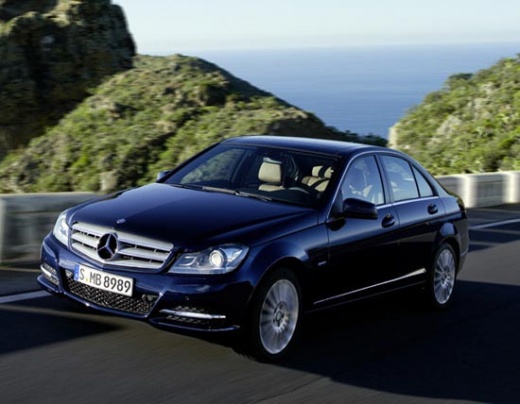
How to Reset the Service Light on the Mercedes-Benz C-Class?
Model: Mercedes Classe C
W204
- Years 2007-2013
Video tutorial
Detailed instructions - You will need to navigate through the menu that appears on the instrument panel using the buttons located on the left side of the steering wheel to make the Service light disappear from the instrument panel of the Mercedes-Benz C-Class. When you find the entry with the remaining kilometers until the next service, press and hold the buttons on the bottom of the left side and the one on the top of the right side. This way, the Service light will be reset, and you can turn off the ignition by turning the key. When you turn the ignition back on, you will see that the reset has been completed successfully.
Posted on 14 May 2026 by ScegliAuto
Related tutorials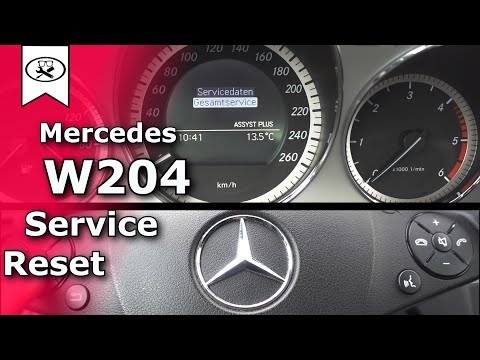
Mercedes Classe C
(2007-2013 /
W204)
.. To reset the Service light on a Mercedes C-Class, turn the key to the ON position to activate the instrument cluster. Then, press and hold the OK.. …

Mercedes Classe C
(2007-2013 /
W204)
.. To reset the Service light on a Mercedes C-Class, turn the key to the "On" position to activate the instrument cluster. Then, press and hold the.. …
Mercedes Classe C
(2007-2013 /
W204)
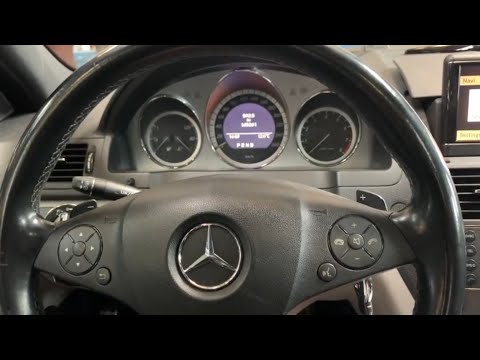
.. On the Mercedes C-Class, reset the Service light by turning the key to the "On" position. Then, press and hold the OK button.. …
Other guides you may be interested in
|
How to Activate Bluetooth on the BMW 1 Series?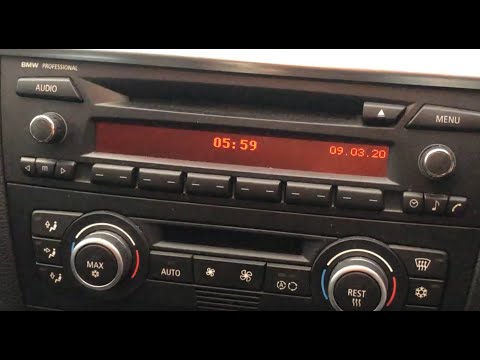
To activate Bluetooth on the BMW 1 Series, turn on the ignition so you can press the MENU button on the central control panel. This will allow you to select the "TEL" option to make the device visible. Then, connect to the radio using your mobile phone, selecting the device called "BMW" followed by a five-digit code. This code must be entered using the radio controls, confirming with OK. After entering and confirming, you will notice that the pairing between the devices has occurred. by ScegliAuto More videos
|
|
For advertising on this site Write to info@scegliauto.com
ScegliAuto is not responsible for any inaccuracy of the data in the lists. To report any inaccuracy or your business (if you own the business in question), please write to info@scegliauto.com
Number of seconds to generate the page: 0.830
(c) ScegliAuto 2026 - info@scegliauto.com - Privacy policy VAT number: IT01247470535 |
