
|
Do it yourself
| |||
| ||||


How to Reset the Service Light on the Mercedes CLK 500
Model: Mercedes Clk
W209, A209, C209
- Years 2002-2010
To manually reset the service light (or maintenance light) that appears on the instrument panel of your Mercedes CLK 500 (2004), follow these simple steps. First, insert the key and turn it to the second position. Then, start the dashboard and navigate through the onboard menu using the button located at the bottom left of the steering wheel. Once you see the vehicle maintenance option, press and hold the button on the left side of the dashboard. Release it and press and hold again for another three seconds to complete the reset of the light.
Updated on 4 July 2026 by ScegliAuto
Video tutorial
Related tutorials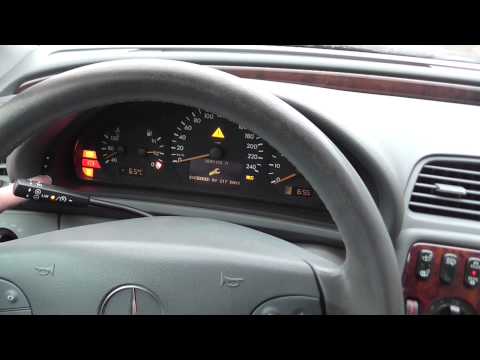
Mercedes Clk
(1997-2003 /
A208, W208, C208)
To reset the service light on a Mercedes CLK 200, follow these steps: turn the key to switch on the ignition (do not start the engine). Locate the "u…
Mercedes Clk
(2002-2010 /
W209, A209, C209)
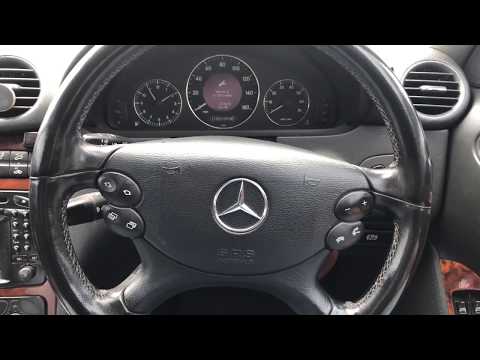
Before you begin, sit in the driver's seat of your Mercedes CLK. Start by activating the instrument cluster. Next, select the "Service" option using …
Mercedes Clk
(2002-2010 /
W209, A209, C209)
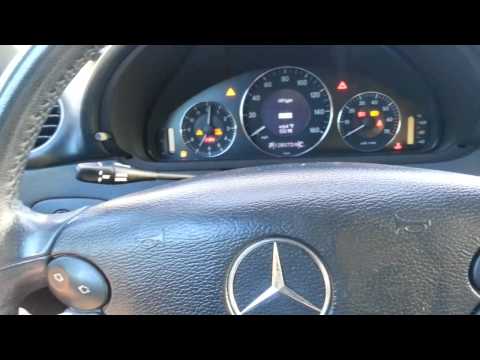
Insert the key into its slot next to the steering wheel. Using the arrow buttons and the menu selection, you can choose the relevant options for the …
Other guides you may be interested in
|
How to Replace the Cabin Filter on the Opel Grandland X
If you own an Opel Grandland X and want to know the steps to replace the cabin air filter, carefully read the following guide and follow the described steps. First, enter the vehicle and go to the passenger side. Then, locate the box containing the air filter in the lower side area of the dashboard. Remove the cover of the box and finally replace the old filter with the new one. Refit the cover, and you are done. by ScegliAuto More videos
|
|
For advertising on this site Write to info@scegliauto.com
ScegliAuto is not responsible for any inaccuracy of the data in the lists. To report any inaccuracy or your business (if you own the business in question), please write to info@scegliauto.com
Number of seconds to generate the page: 0.140
(c) ScegliAuto 2026 - info@scegliauto.com - Privacy policy VAT number: IT01247470535 |
