
|
Do it yourself
| |||
| ||||


Check Error Codes via Climate Control Commands
Model: Mercedes Clk
A208, W208, C208
- Years 1997-2003
Using the climate control commands, you can check for any fault codes: for their meanings, refer to the user and maintenance manual where you can find descriptions of the codes displayed on the climate control itself; once the ignition is on, press and hold the "EC" and "REST" buttons simultaneously: alphanumeric codes will appear on the climate control display, referring to error codes, and you can also scroll through other codes and reset them by holding down the "AUTO" button.
Updated on 16 February 2026 by ScegliAuto
Video tutorial
Related tutorials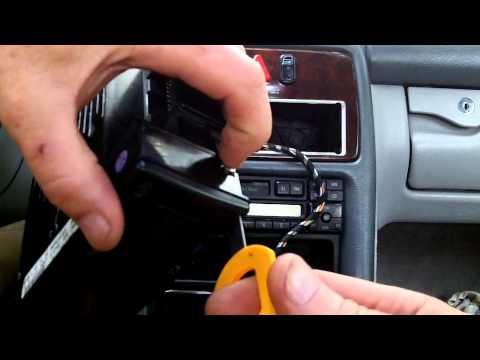
Mercedes Clk
(1997-2003 /
A208, W208, C208)
To replace the backlighting bulbs of the climate control switches, you need to have the appropriate keys to disassemble the control panel: insert the…
Mercedes Clk
(2002-2010 /
W209, A209, C209)
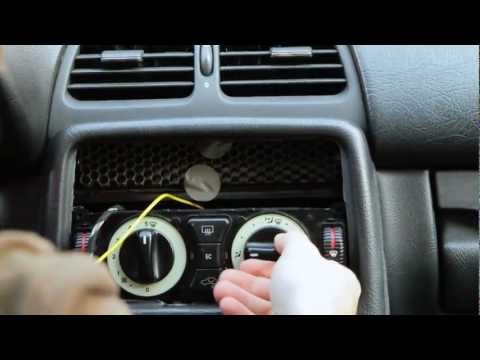
Using a small flathead screwdriver, detach the plastic trim around the climate control knobs.
Unscrew the two fixing screws of the climate control su…
Mercedes Clk
(2002-2010 /
W209, A209, C209)
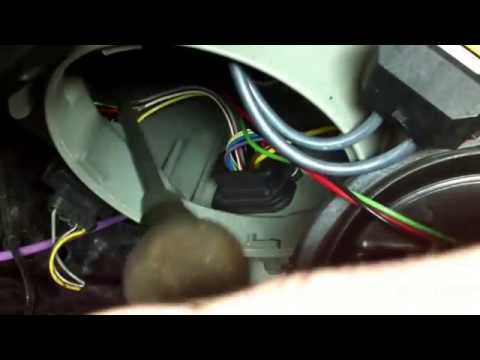
Damage to the ignition unit of the xenon headlight lamps on Mercedes vehicles is a fairly common fault: it is possible to purchase it aftermarket at …
Other guides you may be interested in |
How to reset the tyre pressure warning light on the Dacia Sandero?
To reset the tyre pressure warning light on the Dacia Sandero, inflate all the tyres to the pressure indicated on the label on the driver's door. Once the tyres are inflated, turn on the ignition and navigate through the menu using the controls on the right side of the steering wheel. Scroll with the arrows to find the tyre pressure option: by holding down the OK button located on the right side of the steering wheel, you can reset the warning light. by ScegliAuto More videos
|
|
For advertising on this site Write to info@scegliauto.com
ScegliAuto is not responsible for any inaccuracy of the data in the lists. To report any inaccuracy or your business (if you own the business in question), please write to info@scegliauto.com
Number of seconds to generate the page: 0.063
(c) ScegliAuto 2026 - info@scegliauto.com - Privacy policy VAT number: IT01247470535 |
