
|
Do it yourself
| |||
| ||||


Car Seat Repair
Model: Mercedes Clk
A208, W208, C208
- Years 1997-2003
Over time, the upholstery of car seats deteriorates and is prone to tearing. This guide shows how to carry out a potential repair, saving the money that would be spent visiting specialist garages. You can use tools like utility knives or scissors to remove the damaged section you intend to replace. Then, glue the new leather in place and allow it to dry for about twenty minutes. If there are any cuts, they must be filled so that they are level with the surrounding leather, without overusing the padding.
Updated on 16 February 2026 by ScegliAuto
Video tutorial
Related tutorials
Mercedes Clk
(1997-2003 /
A208, W208, C208)
This short guide provides instructions to remove and replace the front seat of the Mercedes CLK in simple steps. First, open the front door of the ve…
Mercedes Clk
(1997-2003 /
A208, W208, C208)
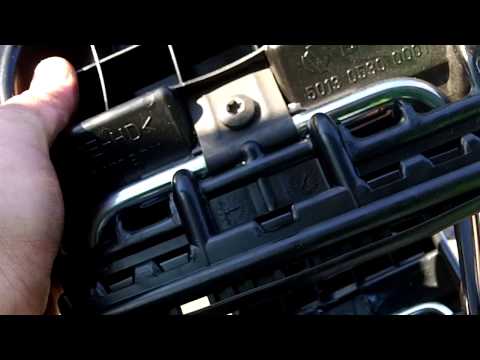
If the front seat headrest vibrates or moves, it is likely that the internal support structure has failed: you can replace it by removing the old hea…
Mercedes Clk
(1997-2003 /
A208, W208, C208)
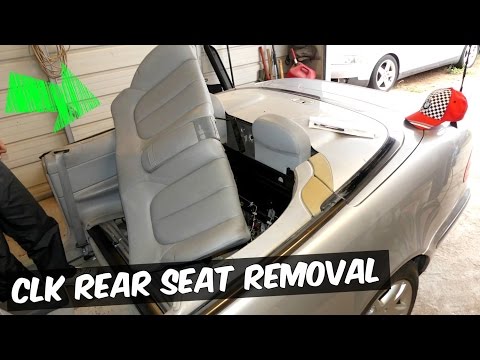
How to remove the rear seat of a Mercedes CLK? This video explains the procedure. Remove the rear seat base (as shown in the video); unscrew the fast…
Other guides you may be interested in
|
How to reset the tyre pressure warning light on the Dacia Sandero?
To reset the tyre pressure warning light on the Dacia Sandero, inflate all the tyres to the pressure indicated on the label on the driver's door. Once the tyres are inflated, turn on the ignition and navigate through the menu using the controls on the right side of the steering wheel. Scroll with the arrows to find the tyre pressure option: by holding down the OK button located on the right side of the steering wheel, you can reset the warning light. by ScegliAuto More videos
|
|
For advertising on this site Write to info@scegliauto.com
ScegliAuto is not responsible for any inaccuracy of the data in the lists. To report any inaccuracy or your business (if you own the business in question), please write to info@scegliauto.com
Number of seconds to generate the page: 0.062
(c) ScegliAuto 2026 - info@scegliauto.com - Privacy policy VAT number: IT01247470535 |
