
|
Do it yourself
| |||
| ||||


Resetting the Onboard Computer After Oil Change
Model: Mercedes Slk
R170, MK 1
- Years 1997-2004
The onboard computer located in front of the dashboard of our car indicates everything we need to know, such as when to change the oil. Once the operation is completed, the guide shows how to reset it, as each time a replacement operation is performed, the sensors must be replaced and the computer must be reset, so it will be able to inform us when it is time to carry out new maintenance operations. If you want to proceed with the DIY method, simply turn on the ignition, press the partial mileage reset button, while using the high beam lever to select the function to reset, press the button on the lights until the word 'reset' appears.
Updated on 21 February 2026 by ScegliAuto
Video tutorial
Related tutorials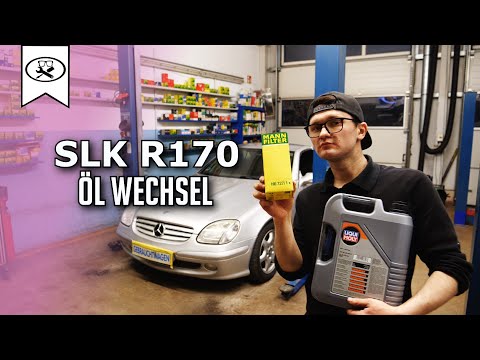
Mercedes Slk
(1997-2004 /
R170, MK 1)
Hello everyone! Today, change the oil on the Mercedes SLK R170, using a 5W-30 lubricant as recommended for this model. Before draining the oil, open …

Mercedes Slk
(2011-2016 /
MK 3, R172)
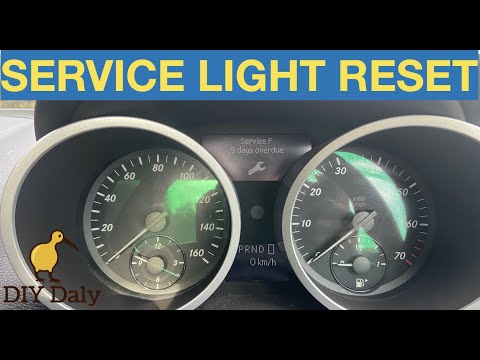
In a few simple steps, we will see how to reset the service light on the Mercedes SLK. First, we get into the car and start the instrument panel; we …
Mercedes Slk
(2004-2011 /
MK 2, R171)
In today's tutorial, you will learn the steps to reset or clear the service light for the regular maintenance oil change on the 2006 Mercedes SLK sec…
Other guides you may be interested in
|
How to Open the Fuel Filler Flap on a Hyundai i20?
In this tutorial, you will see how to open the fuel filler flap on a Hyundai i20, a very simple operation similar to that of many vehicles. First, go inside the cabin; it is not necessary to insert the key or unlock all the locks, then locate and operate the lever situated in the lower left area of the cabin, right next to the driver's seat. Once done, exit the vehicle, fully open the flap, and unscrew the fuel cap. To close the flap, simply press it gently until you hear a click. by ScegliAuto More videos
|
|
For advertising on this site Write to info@scegliauto.com
ScegliAuto is not responsible for any inaccuracy of the data in the lists. To report any inaccuracy or your business (if you own the business in question), please write to info@scegliauto.com
Number of seconds to generate the page: 0.084
(c) ScegliAuto 2026 - info@scegliauto.com - Privacy policy VAT number: IT01247470535 |
