
|
Do it yourself
| |||
| ||||


How to set the time on the Mercedes C-Class W204
Model: Mercedes Classe C
W204
- Years 2007-2013
In the following guide, we will discover the steps you need to take if you want to manually change the time displayed on the instrument cluster display of your Mercedes C-Class W204 (2007). First of all, sit in the driver's seat, insert the key, and start the instrument cluster. Then press the menu button several times until the "Settings" option appears on the display. Scroll down and select the "Date and time" option. Finally, click on "Time" and manually change the hour and minute digits.
Posted on 23 May 2024 by ScegliAuto
Video tutorial
Related tutorials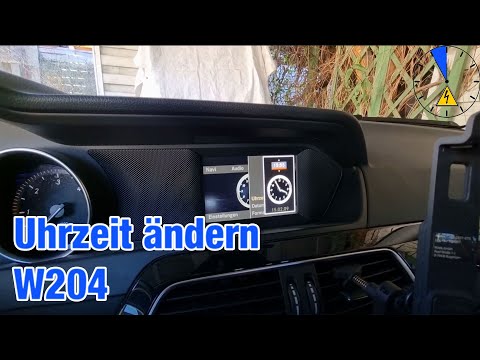
Mercedes Classe C
(2007-2013 /
W204)
Thanks to this brief video tutorial, you can see the procedure to change the time on the onboard computer of your Mercedes C-Class, model W204, produ…

Mercedes Classe C
(2007-2013 /
W204)
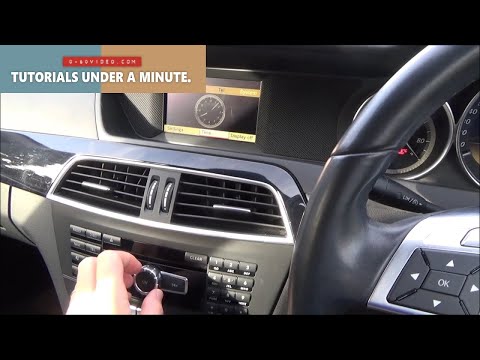
.. If on your Mercedes C-Class W204 you see the wrong time and you want to find out how to manually change it in a few seconds,.. …
Mercedes Classe C
(2007-2013 /
W204)
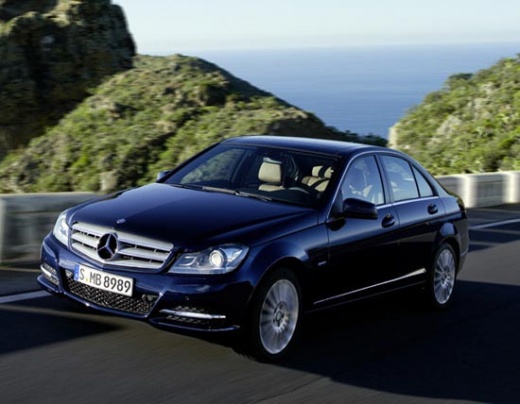
.. To change the time on your Mercedes C-Class W204, first, get in the car and close all four doors. Turn the key to the ON position. We will.. …
Other guides you may be interested in
|
How to reset the tyre pressure warning light on the Dacia Sandero?
To reset the tyre pressure warning light on the Dacia Sandero, inflate all the tyres to the pressure indicated on the label on the driver's door. Once the tyres are inflated, turn on the ignition and navigate through the menu using the controls on the right side of the steering wheel. Scroll with the arrows to find the tyre pressure option: by holding down the OK button located on the right side of the steering wheel, you can reset the warning light. by ScegliAuto More videos
|
|
For advertising on this site Write to info@scegliauto.com
ScegliAuto is not responsible for any inaccuracy of the data in the lists. To report any inaccuracy or your business (if you own the business in question), please write to info@scegliauto.com
Number of seconds to generate the page: 0.246
(c) ScegliAuto 2026 - info@scegliauto.com - Privacy policy VAT number: IT01247470535 |
