
|
Do it yourself
| |||
| ||||


Video tutorial
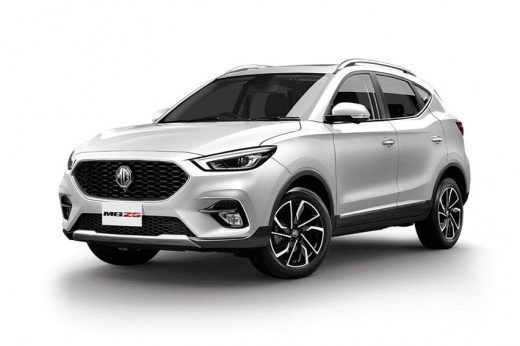
Setting the clock on the MG ZS dashboard is a quick and easy task to do yourself. To perform this operation, turn on the ignition and press the "settings" option on the dashboard. Next, select the "time" option and adjust the hours and minutes. From the clock menu, you can set the time format and choose whether to adjust the clock manually or digitally. Given the type of dashboard, it is recommended to select DAB mode to prevent the clock from changing automatically during Bluetooth connection.
Updated on 31 October 2026 by ScegliAuto
Related tutorials
MG ZS
(2017-2024 /
Zs11)
In the following article, we will see how to adjust the time on the MG ZS. To adjust the time, first start the instrument panel, then press the menu …

MG ZS
(2017-2024 /
Zs11)
Below we will see the instructions that will allow us to adjust the time on the central display of the MG ZS, in simple and quick steps. First of all…

MG ZS
(2017-2024 /
Zs11)
Today we will explain how to adjust the equalizers of the radio in an MG ZS car. To perform this simple operation, we need to turn on the car's instr…
Other guides you may be interested in
|
How to Activate the Automatic Folding and Unfolding of the Wing Mirrors on the Jeep Compass
Follow these brief instructions to activate the automatic folding and unfolding of the external wing mirrors on the Jeep Compass. First, get inside the vehicle and turn on the ignition; then press the button located beneath the mirror glass adjustment to electrically open the mirror, as shown in the video. Pressing the button in the opposite direction will close the mirrors; by holding the button, the mirrors will open and close automatically! by ScegliAuto More videos
|
|
For advertising on this site Write to info@scegliauto.com
ScegliAuto is not responsible for any inaccuracy of the data in the lists. To report any inaccuracy or your business (if you own the business in question), please write to info@scegliauto.com
Number of seconds to generate the page: 0.067
(c) ScegliAuto 2026 - info@scegliauto.com - Privacy policy VAT number: IT01247470535 |
