
|
Do it yourself
| |||
| ||||


MG ZS - ClockClock MG ZS (2017-2024 / zs 11) MG ZS (2017-2024 / Zs11) How to Change the Time on the MG ZS (and a Reflection on the Importance of Reading the Owner's Manual) On some MG ZS models, the time is not saved unless you exit the menu correctly. So, turn on the ignition, go to the "settings" menu, scroll down to find …Read all… Posted on 29 May 2026 by ScegliAuto  MG ZS (2017-2024 / Zs11) How do you set the clock on the MG ZS? It will be possible to adjust the clock of the MG ZS by first turning on the instrument panel by inserting the ignition key into the corresponding slot: once …Read all… Posted on 6 November 2025 by ScegliAuto  MG ZS (2017-2024 / Zs11) How to set the correct time on the MG ZS To manually change the time displayed on the instrument panel of your MG ZS, simply follow the following procedure. First of all, get into the car and turn on …Read all… Posted on 21 May 2025 by ScegliAuto  MG ZS (2017-2024 / Zs11) How to adjust the time on the MG ZS Below we will see the instructions that will allow us to adjust the time on the central display of the MG ZS, in simple and quick steps. First of all, we get …Read all… Posted on 1 April 2025 by ScegliAuto  MG ZS (2017-2024 / Zs11) How to Set the Clock on the MG ZS Setting the clock on the MG ZS dashboard is a quick and easy task to do yourself. To perform this operation, turn on the ignition and press the "settings" …Read all… Posted on 31 October 2026 by ScegliAuto 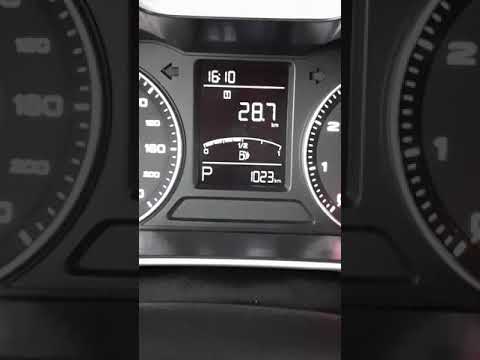 MG ZS (2017-2024 / Zs11) How to Set the Time on the MG ZS In this mini guide, you will learn how to manually change the system time displayed on the instrument cluster of your MG ZS (2017-2023). First, turn on the …Read all… Posted on 16 October 2026 by ScegliAuto 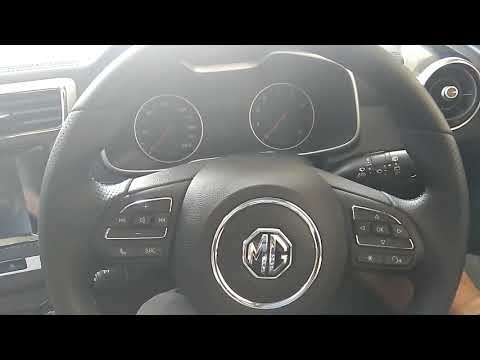 MG ZS (2017-2024 / Zs11) How to Change the Time on the MG ZS Today, in this brief and simple guide, you will learn how to change the time on the MG ZS by following the instructions below. First, get inside the vehicle …Read all… Posted on 6 October 2026 by ScegliAuto Airbag (1) Air conditioning (1) Car stereo (5) Battery (3) Spark plugs (2) Body (1) Key (15) Onboard computer (7) Checks and maintenance (13) Dashboard (1) Bearing (1) Headlight (1) Air filter (3) Cabin air filter (3) Diesel fuel filter (1) Parking brake (1) Accessory kit (2) Headlight bulb (4) Tail light bulb (2) License plate light (2) Engine (1) Engine oil (3) Clock (7) Door trim panel (3) Tires (1) Instrument cluster (1) Radiator (1) Wheel (1) Fuse box (18) Rearview mirror (1) Tire pressure warning light (19) Service warning light (17) Fuel cap (4) Windshield wipers (4) Thermostat (1) |
How to Open the Bonnet of a Toyota C-HR
To open the bonnet of a Toyota C-HR, get inside the vehicle and lift the lever with the bonnet symbol located under the steering wheel. After lifting the lever, you will notice that the bonnet rises a few centimetres. Position yourself in front of the bonnet, insert your hand into the gap, and move the small internal lever from right to left, then lift the bonnet. You can keep the bonnet open during maintenance by positioning it on the support rod. To close the bonnet, remove the support rod and let it drop back down. by ScegliAuto More videos
|
|
For advertising on this site Write to info@scegliauto.com
ScegliAuto is not responsible for any inaccuracy of the data in the lists. To report any inaccuracy or your business (if you own the business in question), please write to info@scegliauto.com
Number of seconds to generate the page: 0.012
(c) ScegliAuto 2026 - info@scegliauto.com - Privacy policy VAT number: IT01247470535 |
