
|
Do it yourself
| |||
| ||||


How is the MG Gloster Infotainment system used?
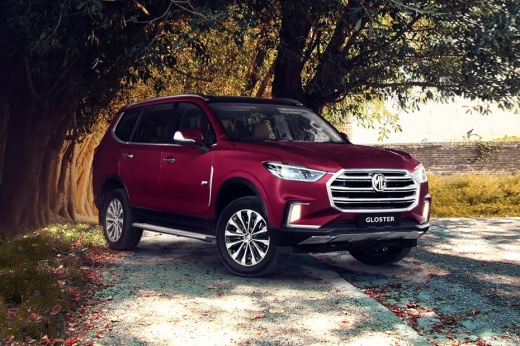
Model: MG Gloster
MK 1
- Years 2017-2024
In order to use the Infotainment system of the MG Gloster, you have to insert the ignition key in the lock, turning it to turn on the instrument panel. The display in the central part of the dashboard will then light up, thanks to which it will be possible to access all the functions of the Infotainment system: the screen is a touchscreen, so just touch the icons of the instruments you intend to use. From here it will be possible to choose the radio station, connect your smartphone, inspect the state of the vehicle, change the basic settings of the display, etc.
Posted on 25 March 2022 by ScegliAuto
Video tutorial
Related tutorials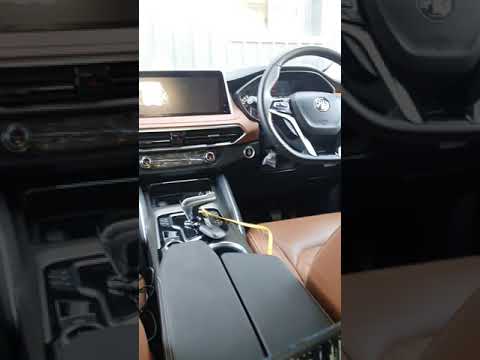
MG Gloster
(2017-2024 /
MK 1)
In the following video, we will see how it is possible to connect Android Auto to the smartphone in the MG Gloster. This application is very useful a…
MG Gloster
(2017-2024 /
MK 1)
If your MG Gloster's infotainment system has software errors, you can easily resolve them through a simple forced reset procedure. First you need to …
MG Gloster
(2017-2024 /
MK 1)
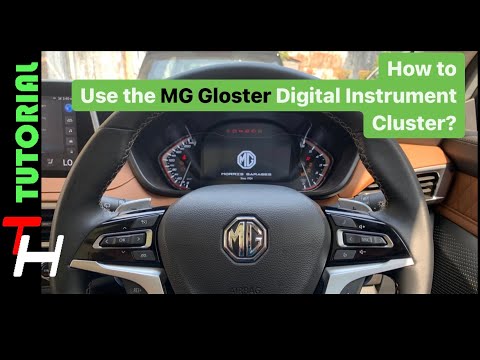
In order to use the MG Gloster's on-board computer, the ignition key must obviously be inserted into its lock, so that the instrument panel turns on.…
Other guides you may be interested in
|
How to Remove the Mirror Cap on a Toyota Auris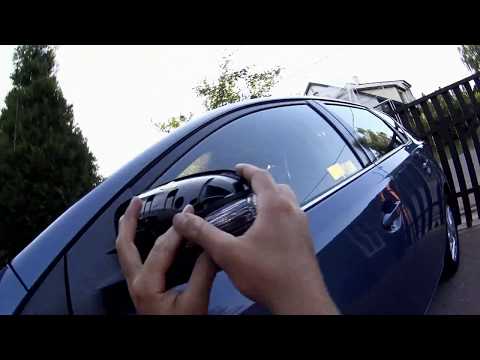
How to proceed with the removal of the mirror cap on a Toyota Auris? Use a plastic lever to detach the mirror cap and the mirror itself. Pry until the cover comes off the mirror (this operation is very delicate as it may break). Once the piece is removed, take out the side indicator (for replacement), and you can replace it with the new one. Refit the new mirror cover by inserting it into the mirror and securing the plastic with the appropriate clips. Check the correct functioning of the part. by ScegliAuto More videos
|
|
For advertising on this site Write to info@scegliauto.com
ScegliAuto is not responsible for any inaccuracy of the data in the lists. To report any inaccuracy or your business (if you own the business in question), please write to info@scegliauto.com
Number of seconds to generate the page: 0.104
(c) ScegliAuto 2026 - info@scegliauto.com - Privacy policy VAT number: IT01247470535 |
