
|
Do it yourself
| |||
| ||||


How to Reset the Tire Light of the MG 3
Model: MG 3
MK 1
- Years 2008-2011
If, after changing or inflating the tires on your MG 3, you notice the tire warning light is on, don't worry because the problem can be easily resolved through a manual reset procedure. Let's see how to do it. First, ensure that the car's engine is running and the parking brake is engaged. Then, go inside the vehicle (driver's side) and press the button located at the end of the left steering lever several times. Locate the "TPMS Reset?" option and hold down the same button you used earlier. Once the display stops flashing, release the button, and the reset procedure is complete.
Updated on 18 May 2026 by ScegliAuto
Video tutorial
Related tutorials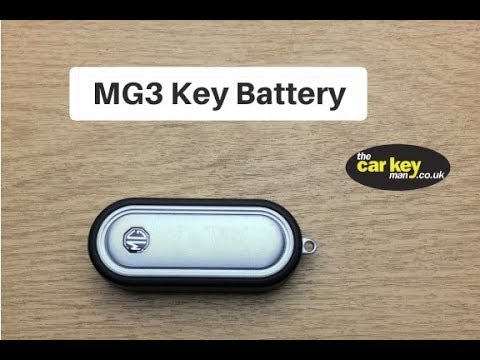
MG 3
(2011-2024 /
MK 2)
To properly replace the key battery of your MG 3 Mk2, it only takes a few seconds. Just follow the instructions in this mini guide. The first thing t…
MG 3
(2011-2024 /
MK 2)
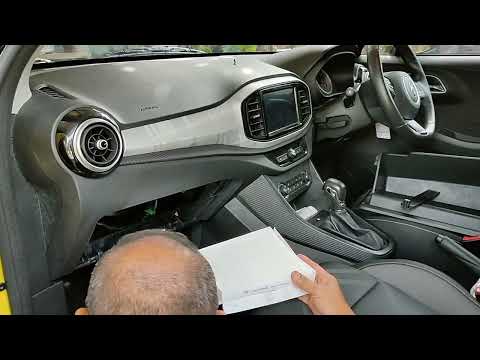
In this tutorial, you will see how to replace the cabin filter in the MG 3, a very simple and quick operation. First, sit in the passenger seat, then…
MG 3
(2011-2024 /
MK 2)
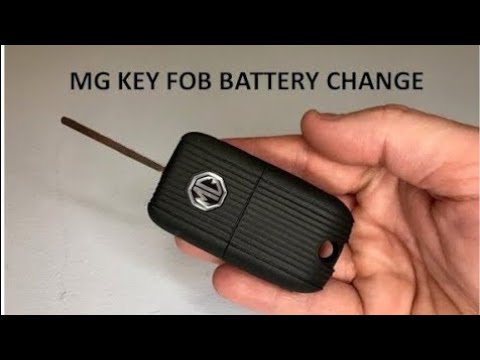
In this tutorial we can see how to replace the battery of the MG 3 remote control, an extremely simple and quick operation. To do this we will need a…
Other guides you may be interested in
|
How to Reset the Central Locking of the Volkswagen Golf 4?
If the central locking system of the Volkswagen Golf 4 is not working, it is likely necessary to reset the system: to do this, open the driver's door and detach the side panel of the dashboard next to the steering wheel. Under this panel, you will find the fuses, including the one for the central locking, which is indicated in the manual as number 14. To reset the system, remove this fuse from its housing, then reinsert it or replace it with a new one of the same amperage: this will reset the central locking system. by ScegliAuto More videos
|
For advertising on this site Write to info@scegliauto.com
ScegliAuto is not responsible for any inaccuracy of the data in the lists. To report any inaccuracy or your business (if you own the business in question), please write to info@scegliauto.com
Number of seconds to generate the page: 0.277
(c) ScegliAuto 2026 - info@scegliauto.com - Privacy policy VAT number: IT01247470535 |
