
|
Do it yourself
| |||
| ||||


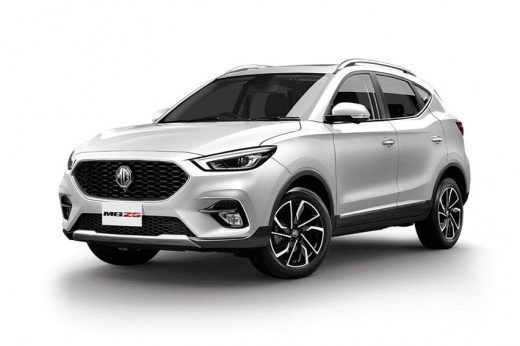
How to Easily Install a Phone Holder on the MG ZS
Model: MG ZS
Zs11
- Years:
2017, 2018, 2019, 2020, 2021, 2022, 2023, 2024
Video tutorial
To keep your phone visible in the MG ZS, nothing is better than this phone holder that you can find on the Philippine site of Magnum Autoparts, available on lazada.com.ph, a Philippine site where you can find many nice things for your MG ZS at really great prices, considering that the Philippine peso converts to about 0.018/euro. The installation is really simple; just insert the holder into the air vents, and you’re done. So, if you don’t trust the car's navigation system, you can always use Google Maps or Waze, which also provide traffic conditions.
Updated on 2 August 2026 by ScegliAuto
Related tutorials
MG ZS
(2017-2024 /
Zs11)
The license plate bulb may burn out, making it necessary to replace it with a new one. How can you do this if you don't want to or can't go to a shop…

MG ZS
(2017-2024 /
Zs11)
Here are the instructions for replacing the headlight bulb on an MG ZS. First, open the hood of the vehicle and remove the plastic protective cover o…
MG ZS
(2017-2024 /
Zs11)
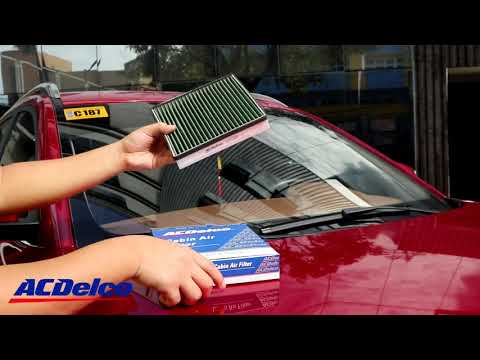
In today's video, you will see how to replace the cabin air filter in the MG ZS. As the first step, enter the car and take a seat in the passenger si…
Other guides you may be interested in |
Where are the fuses located on the Renault Laguna?
On the Renault Laguna, the fuses are located inside the fuse boxes installed in the vehicle: in this car model, you will find two boxes for containing the fuses. The first is in the fuse box on the left side of the dashboard, accessible by opening the driver's door: here you will find the fuses for the windscreen wipers, fog lights, horn, etc. The second box is located on the right side of the engine compartment: here you will find the fuses for the dipped headlights, radiator fan, alternator, etc. by ScegliAuto More videos
|
|
For advertising on this site Write to info@scegliauto.com
ScegliAuto is not responsible for any inaccuracy of the data in the lists. To report any inaccuracy or your business (if you own the business in question), please write to info@scegliauto.com
Number of seconds to generate the page: 0.085
(c) ScegliAuto 2026 - info@scegliauto.com - Privacy policy VAT number: IT01247470535 |
