
|
Do it yourself
| |||
| ||||


How to reset the service in the Mini Countryman?
Model: Mini Mini
Countryman1, R60
- Years 2010-2016
In this tutorial we can see how to reset the service in the Mini Countryman, an extremely simple and quick operation, to be carried out only once all scheduled maintenance work has been completed. Let's start by going inside the cockpit, then insert the key and turn on the instrument panel. Then press and hold the "Trip" button on the dashboard until the maintenance menu appears, scroll through the various available services and, when you reach the one to be reset, perform the reset by holding down the "BC" button. To complete the procedure, simply restart the vehicle.
Posted on 12 March 2025 by ScegliAuto
Video tutorial
Related tutorials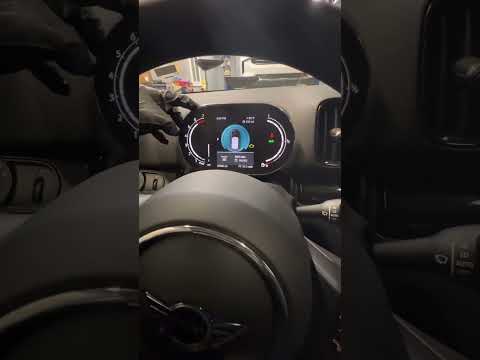
Mini
(2017-2023 /
Countryman2, F60)
Resetting the oil service in the Mini Countryman, as we can see in this tutorial, is an extremely simple and quick operation. Before proceeding, make…
Mini
(2017-2023 /
Countryman2, F60)
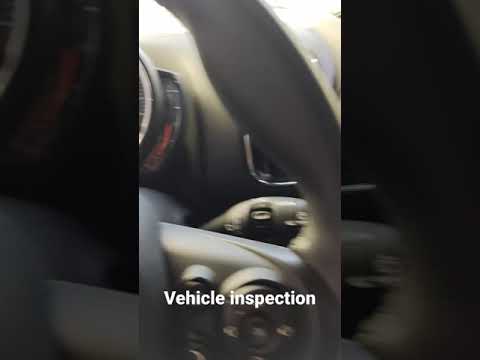
.. In this tutorial, we can see how to reset the service in the Mini Countryman, an extremely simple and quick operation to be performed.. …

Mini
(2010-2016 /
Countryman1, R60)
The legendary Mini, specifically the Mini Countryman featured in the video, does not differ from other cars in terms of warning lights, in fact, we a…
Other guides you may be interested in
|
How to Replace Windshield Wiper Blades on BMW 5 Series E90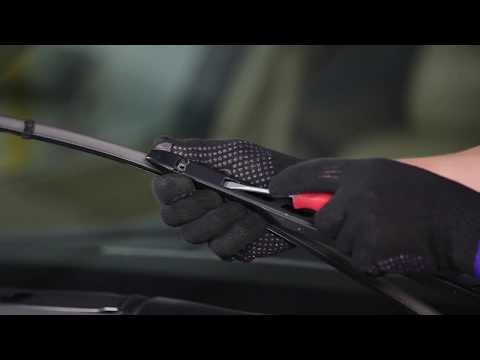
Keeping your windshield wiper blades efficient is essential for safe driving in both rain and for proper cleaning when activating the washer: for this reason, fill the reservoir with a quality cleaner, not just water. Replacing the blades on this model is simple thanks to the innovative attachment system: just lift the arm, press the two side tabs of the blade to slide it forward enough, then press the central lock to complete the removal. Finally, insert the new blade by sliding it until it locks into place. by ScegliAuto More videos
|

|
For advertising on this site Write to info@scegliauto.com
ScegliAuto is not responsible for any inaccuracy of the data in the lists. To report any inaccuracy or your business (if you own the business in question), please write to info@scegliauto.com
Number of seconds to generate the page: 0.100
(c) ScegliAuto 2026 - info@scegliauto.com - Privacy policy VAT number: IT01247470535 |
