
|
Do it yourself
| |||
| ||||


How to reset the service light on the Mini Countryman?
Model: Mini Mini
Countryman2, F60
- Years 2017-2023
In this tutorial we can see how to reset the service in the Mini Countryman, an extremely simple and quick operation, to be carried out only once all scheduled maintenance work has been completed. Let's start by going inside the cabin, then insert the key and turn on the instrument panel. Then press and hold the button located on the back of the dashboard until the maintenance menu appears, scroll through the various available services and, when you reach the one to be reset, perform the reset by holding down the same button twice in a row.
Posted on 21 May 2025 by ScegliAuto
Video tutorial
Related tutorials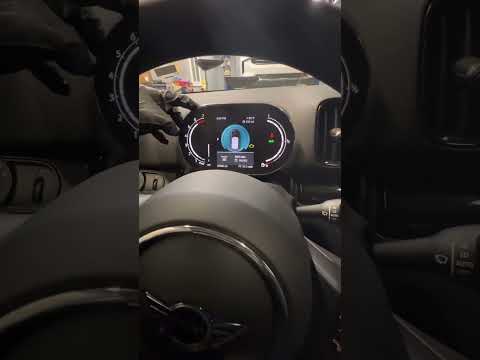
Mini
(2017-2023 /
Countryman2, F60)
Resetting the oil service in the Mini Countryman, as we can see in this tutorial, is an extremely simple and quick operation. Before proceeding, make…

Mini
(2010-2016 /
R60, Countryman1)
In this tutorial we can see how to reset the service in the Mini Countryman, an extremely simple and quick operation, to be carried out only once all…
Mini
(2017-2023 /
Countryman2, F60)
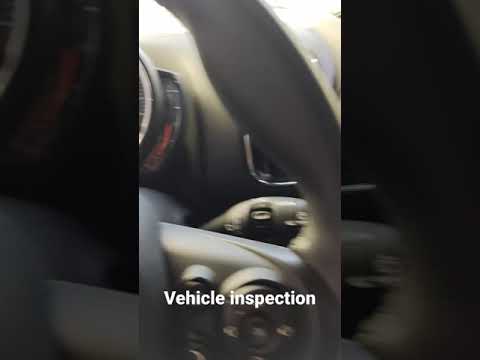
In this tutorial, we can see how to reset the service in the Mini Countryman, an extremely simple and quick operation to be performed only once all t…
Other guides you may be interested in
|
How to Remove the Dome Light of an Audi Q5
Let's see how to remove and replace the bulbs located in the dome light of the headliner on an Audi Q5. Use a screwdriver or a plastic trim tool to pry between the dome light cover and its perimeter (without breaking the plastic). Pull the bulbs to be replaced out of the dome light. Replace the damaged bulbs with new ones (same size and voltage). Reinstall the cover in its housing along with the associated parts. Perform the same operation for the other dome lights located in the headliner. Test the light's proper operation at the end of the installation. by ScegliAuto More videos
|

|
For advertising on this site Write to info@scegliauto.com
ScegliAuto is not responsible for any inaccuracy of the data in the lists. To report any inaccuracy or your business (if you own the business in question), please write to info@scegliauto.com
Number of seconds to generate the page: 0.119
(c) ScegliAuto 2026 - info@scegliauto.com - Privacy policy VAT number: IT01247470535 |
