
|
Do it yourself
| |||
| ||||



How to access the maintenance menu of the Mini Cooper F56
Model: Mini Mini
F56, F54, F57, F55
- Years:
2014, 2015, 2016, 2017, 2018, 2019, 2020, 2021, 2022, 2023
Video tutorial
Let's see how to access the maintenance menu of a Mini F56 equipped with the iDrive infotainment system. Turn on the ignition, and in the center of the console, press the physical "menu" or "home" button. Then select "vehicle information" using the rotary knob to navigate to this option. Select by pressing the button inside the scroll wheel. This way we access the "vehicle status" and enter the "maintenance requirements" menu, where a list will open with the deadlines for various services and the history of services performed; brake fluid, the next oil change deadline; how much is left until the next major inspection; the status of the brake pads (which only appears when the sensor detects that replacement is near); status of airbags and seat belts.
Posted on 21 October 2025 by ScegliAuto
Related tutorials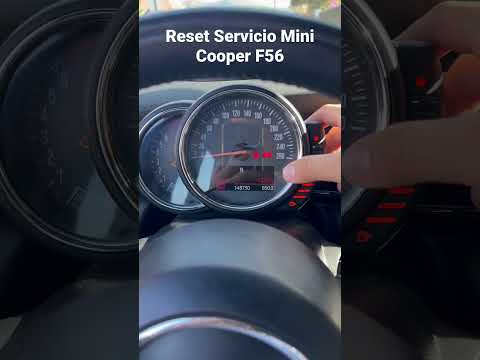
Mini
(2014-2023 /
F56, F54, F57, F55)
If you own a Mini Cooper F56 (2014-2022) and want to learn how to manually reset the service light that appears on the dashboard, you are in the righ…
Mini
(2014-2023 /
F56, F54, F57, F55)
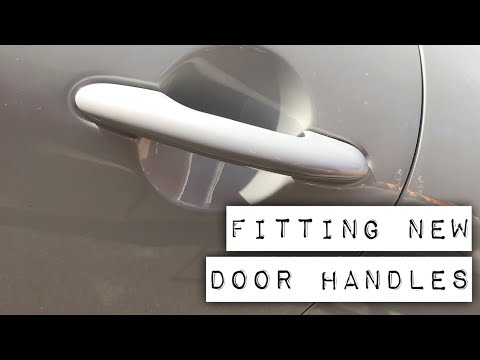
In this video tutorial, we will see how to remove the door handle of a Mini Cooper F56 in simple steps. First, open the front door and remove the sid…
Mini
(2014-2023 /
F56, F54, F57, F55)
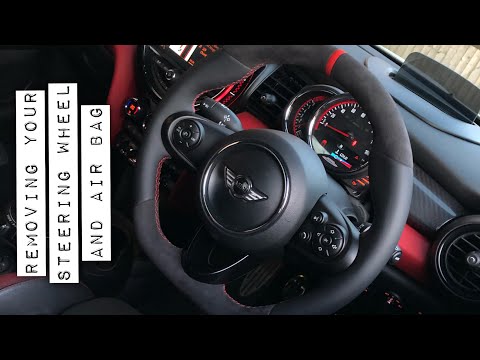
In this tutorial, you will learn how to remove the steering wheel from a Mini Cooper F56, applicable to other models from the manufacturer as well. F…
Other guides you may be interested in
|
How to Open the Fuel Flap and Cap on an MG HS
This guide will show you how to open the fuel flap and cap on an MG HS in simple steps. To open the fuel flap, ensure the vehicle is unlocked; then press on the edge of the flap to open it, as shown in the video. Next, unscrew the fuel cap counterclockwise to refuel at the pump; once finished, screw the cap back on until it clicks, and finally close the fuel flap! by ScegliAuto More videos
|
|
For advertising on this site Write to info@scegliauto.com
ScegliAuto is not responsible for any inaccuracy of the data in the lists. To report any inaccuracy or your business (if you own the business in question), please write to info@scegliauto.com
Number of seconds to generate the page: 1.857
(c) ScegliAuto 2026 - info@scegliauto.com - Privacy policy VAT number: IT01247470535 |
