
|
Do it yourself
| |||
| ||||


Mini Cooper handbrake cover replacement
Model: Mini Mini
R52, R50, R53
- Years 2001-2007
In this video tutorial we will see how to remove and replace the handbrake cover on a Mini Cooper first and second series, in the JCW version. First we get inside the car and go to remove the handbrake boot, unhooking it from the side hooks; then let's slide it forward and remove the fixing clamp with pliers or a cutter. At this point we extract the handbrake cover, removing the top cap, as shown in the video; we just have to replace the handbrake cover and reassemble everything, applying the reverse procedure!
Posted on 25 December 2020 by ScegliAuto
Video tutorial
Related tutorials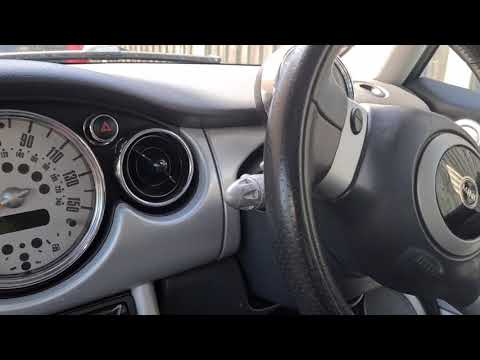
Mini
(2001-2007 /
R52, R50, R53)
In this tutorial, we can see how to adjust the handbrake in the Mini Cooper, an extremely simple and quick operation. First of all, we park the vehic…
Mini
(2001-2007 /
R52, R50, R53)
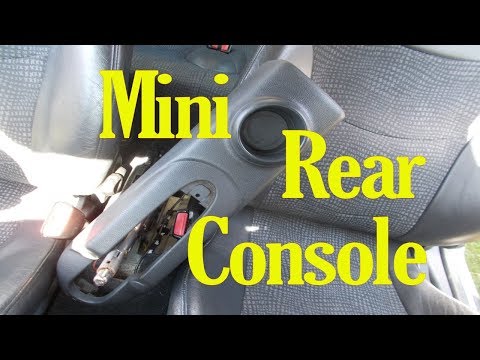
In this tutorial we can see how to remove the rear handbrake console in the Mini Cooper, an extremely simple and fast operation. First of all, with a…
Mini
(2007-2014 /
R56, R57, R55)
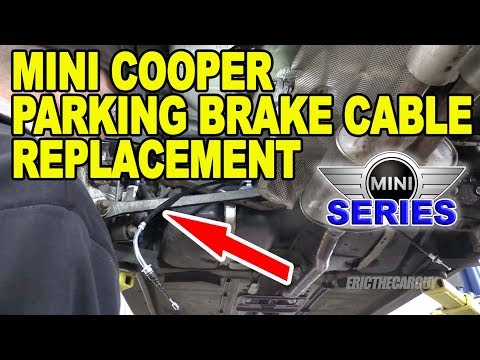
Let's see in this guide the instructions that will allow us to disassemble and replace the handbrake cable of the Mini Cooper. First we get on board …
Other guides you may be interested in |
How to Remove the Interior Light of a Mini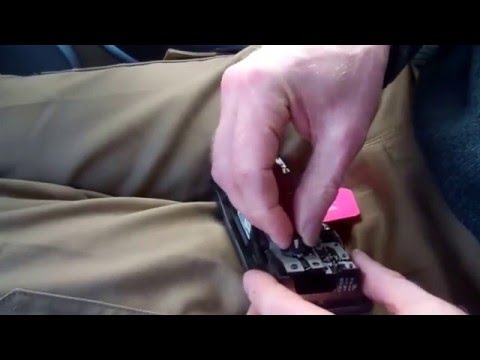
Remove the interior light of a Mini: use a screwdriver or plastic lever to pry between the cover and the light itself (avoid damaging the headlining), pull the cover out from the panel and disconnect the power connector after removing it. Replace the damaged bulb with a new one (same size and voltage). Refit the light into its housing (push it in with your hands until the metal clips are fully locked). Test the light's functionality before completely refitting the piece. by ScegliAuto More videos
|
|
For advertising on this site Write to info@scegliauto.com
ScegliAuto is not responsible for any inaccuracy of the data in the lists. To report any inaccuracy or your business (if you own the business in question), please write to info@scegliauto.com
Number of seconds to generate the page: 0.052
(c) ScegliAuto 2026 - info@scegliauto.com - Privacy policy VAT number: IT01247470535 |
