
|
Do it yourself
| |||
| ||||


How to replace the speakers in the Mini Cooper S?
Model: Mini Mini
R52, R50, R53
- Years 2001-2007
In this tutorial we can see how to replace the speakers in the Mini Cooper S. Before proceeding, let's make sure that the key is not inserted in order to operate in full safety. We start by opening the door in which we are going to work, after which we disengage both the small reflector indicated and the frame of the opening handle and unscrew all the fixing screws of the panel. Once this is done, disengage the latter from the door, disconnect the speaker connector and remove it by unscrewing the relative screws. Finally, we follow the reverse procedure to assemble the spare part and reassemble everything.
Posted on 12 September 2022 by ScegliAuto
Video tutorial
Related tutorials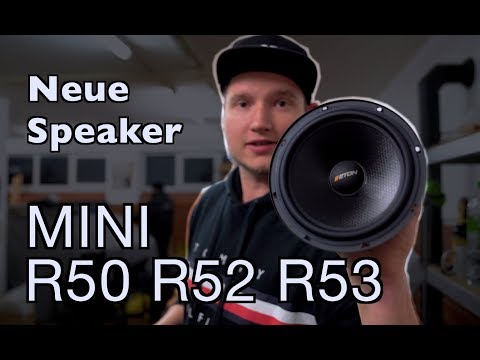
Mini
(2001-2007 /
R52, R50, R53)
In this tutorial, we can see how to replace the speakers in a Mini Cooper, a very simple and fast operation. First of all, make sure that the key is …

Mini
(2001-2007 /
R52, R50, R53)
Today we will discover the instructions that will allow us to disassemble and replace the door speakers of the front door of the Mini Cooper. First, …
Mini
(2007-2014 /
R57, R55, R56)
Good morning, today's goal is to replace the battery of our Mini Cooper key. Let's start by unhooking and removing the back cover of the key, leverag…
Other guides you may be interested in
|
How to Pair Smartphone with Bluetooth System on Fiat Tipo
Here’s how to pair your smartphone with the Bluetooth system of the Fiat Tipo's car radio: activate the Bluetooth on your smartphone and set the car radio to connect with the external device. When the car's multimedia system detects your smartphone's Bluetooth, confirm and click on the 'new cell' option. Once the system has detected the smartphone, enter the pairing password if necessary. Finally, download the app on your smartphone and confirm the pairing with the car's multimedia system. Now your smartphone is connected to your car. by ScegliAuto More videos
|
|
For advertising on this site Write to info@scegliauto.com
ScegliAuto is not responsible for any inaccuracy of the data in the lists. To report any inaccuracy or your business (if you own the business in question), please write to info@scegliauto.com
Number of seconds to generate the page: 0.105
(c) ScegliAuto 2026 - info@scegliauto.com - Privacy policy VAT number: IT01247470535 |
