
|
Do it yourself
| |||
| ||||


How to reset the service in the Mini Countryman?
Model: Mini Mini
R60, Countryman1
- Years 2010-2016
Resetting the service light in the Mini Countryman is very simple, let's see how to proceed in this video. Obviously, this operation must only be carried out after having carried out all the scheduled maintenance work envisaged. Let's start by inserting the key and turning on the instrument panel, not the engine, then scroll through the display menu and select the "vehicle information" item. At this point, we first enter "vehicle status" and then "service required". To reset one of the available services, select it and set the desired interval, according to your needs.
Posted on 16 September 2022 by ScegliAuto
Video tutorial
Related tutorials
Mini
(2017-2023 /
Countryman2, F60)
To reset the "Service" light on a Mini Countryman, start by turning on the instrument panel without starting the engine. Press the button located bel…

Mini
(2017-2023 /
Countryman2, F60)
.. In this tutorial we can see how to reset the service in the Mini Countryman. This is a very simple operation, which must be carried.. …

Mini
(2010-2016 /
R60, Countryman1)
The legendary Mini, specifically the Mini Countryman featured in the video, does not differ from other cars in terms of warning lights, in fact, we a…
Other guides you may be interested in
|
Frequently Asked QuestionsHow to Remove the Centre Console on a Renault Scenic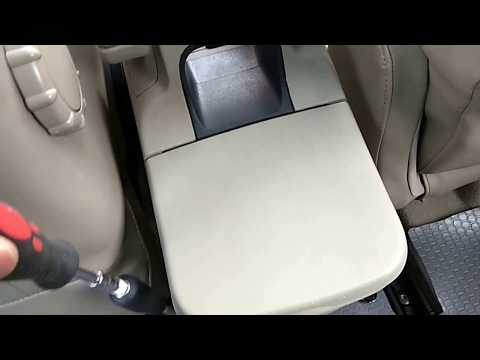
Watch this video to learn how to remove the glove compartment from the rear cover of the centre console on a Renault Scenic. Use a plastic lever to pry at the edge of the side plastics as shown in the video. Once the plastics are removed, unscrew the screws located at the sides of the centre console with a suitable screwdriver, and disconnect all the power connectors. Remove the side rests from the glove compartment. Fit the new piece onto the centre cover and proceed with the assembly of the remaining parts, working in reverse order. by ScegliAuto More videos
|

|
For advertising on this site Write to info@scegliauto.com
ScegliAuto is not responsible for any inaccuracy of the data in the lists. To report any inaccuracy or your business (if you own the business in question), please write to info@scegliauto.com
Number of seconds to generate the page: 0.111
(c) ScegliAuto 2026 - info@scegliauto.com - Privacy policy VAT number: IT01247470535 |
