
|
Do it yourself
| |||
| ||||


How to reset the tire warning light in the Mini One?
Model: Mini Mini
R52, R50, R53
- Years 2001-2007
In this tutorial, we can see how to reset the tire pressure warning light in the Mini One, an extremely simple and quick operation, to be carried out only after restoring the correct pressure in each tire following the instructions in the manual. First of all, insert the key and turn on the instrument panel, it is not necessary to start the engine, then locate the button depicting the icon of the same warning light, located next to the brake lever, and hold it down. Keep the button in this position for the necessary time for the light to disappear completely.
Posted on 28 December 2023 by ScegliAuto
Video tutorial
Related tutorials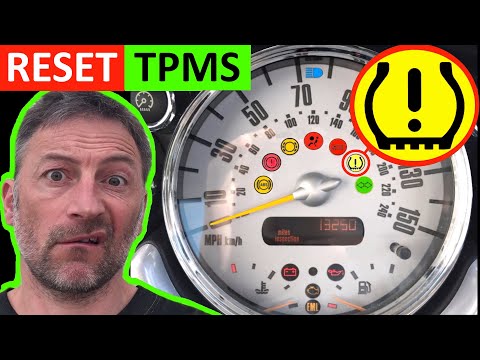
Mini
(2007-2014 /
R56, R57, R55)
In today's video we will see the instructions that will allow us to reset the tire pressure warning light of a Mini Cooper R50-R53; before carrying o…
Mini
(2017-2023 /
Countryman2, F60)
Let's see in this short guide the steps that will allow us to reset the tire pressure warning light of the Mini Cooper S. Before performing the reset…

Mini
(2010-2016 /
Countryman1, R60)
The activation of the TPMS light indicates a possible puncture or pressure loss from one or more tires; in this guide we will see how to reset the ti…
Other guides you may be interested in
|
How to Remove the Interior Handle of a BMW 3 Series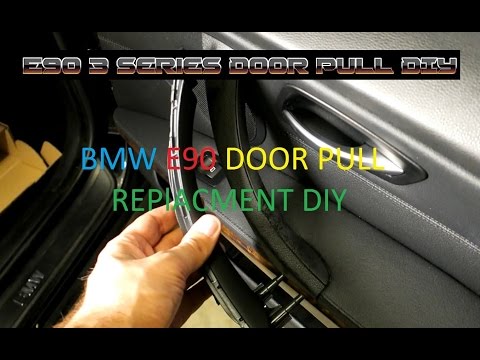
Remove the interior handle (right front) on a BMW 3 Series: disconnect the battery terminals, use a screwdriver to remove the screws located in the upper lever area of the door opening and the screws in the handle (after removing the plastic cover). Remove the remaining screws on the door panel and detach the retaining clips. Finally, pull off the panel and disconnect it from the door (unplug the power wiring and the opening cable). Remove the handle from the panel (remove the retaining screws) and reassemble everything. by ScegliAuto More videos
|
|
For advertising on this site Write to info@scegliauto.com
ScegliAuto is not responsible for any inaccuracy of the data in the lists. To report any inaccuracy or your business (if you own the business in question), please write to info@scegliauto.com
Number of seconds to generate the page: 0.107
(c) ScegliAuto 2026 - info@scegliauto.com - Privacy policy VAT number: IT01247470535 |
