
|
Do it yourself
| |||
| ||||


Replacing the Rear Brake Pads of the Mini Countryman
Model: Mini Mini
Countryman1, R60
- Years 2010-2016
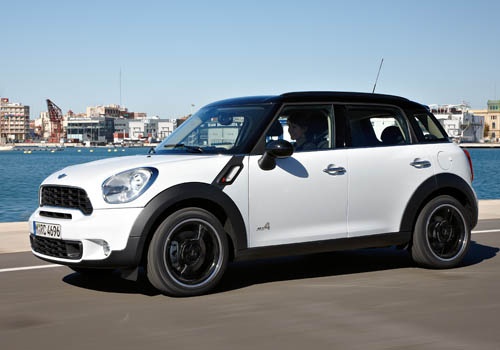
Follow these step-by-step instructions to remove and replace the rear brake pads of the Mini Countryman in simple steps. First, lift the vehicle and remove the rear wheel; then, unscrew the fixing bolts located at the back of the caliper using a socket spanner and a flat spanner to hold the counter nut, as shown in the video. Now, remove the brake caliper from the disc, replacing the old brake pads with new original ones; apply pressure to the caliper piston to insert them, then refit everything!
Updated on 12 September 2026 by ScegliAuto
Video tutorial
Related tutorials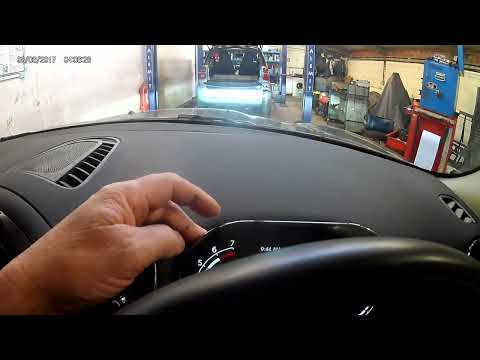
Mini
(2017-2023 /
Countryman2, F60)
This brief guide will show you how to reset the brake pad replacement warning on a Mini Countryman, following the instructions below. First, get insi…
Mini
(2017-2023 /
Countryman2, F60)
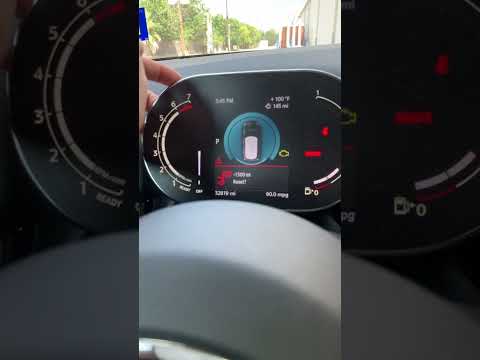
In this tutorial we can see how to remove the brake pads warning light in the Mini Countryman, a very simple and quick operation, to be carried out o…

Mini
(2017-2023 /
Countryman2, F60)
In order to completely make the brake wear indicator light disappear from the Mini Countryman, you will first need to replace the excessively worn br…
Other guides you may be interested in
|
How to Replace the Diesel Filter of the Peugeot 3008 1.5 BlueHDI
Briefly, we will see the main instructions for dismantling and replacing the diesel filter of the Peugeot 3008 1.5 BlueHDI. First, locate the diesel filter under the vehicle, so it will be necessary to lift it; then disconnect the electrical connector and the fuel lines from the filter, unscrewing the side screws to remove the cartridge, as shown in the video. At this point, replace the diesel filter with the new one, as well as with the original one; then reconnect the pipes and the electrical connector, following the video tutorial to the end! by ScegliAuto More videos
|
|
For advertising on this site Write to info@scegliauto.com
ScegliAuto is not responsible for any inaccuracy of the data in the lists. To report any inaccuracy or your business (if you own the business in question), please write to info@scegliauto.com
Number of seconds to generate the page: 0.449
(c) ScegliAuto 2026 - info@scegliauto.com - Privacy policy VAT number: IT01247470535 |
