
|
Do it yourself
| |||
| ||||


How do you set the clock in the Mini Cooper?
Model: Mini Mini
Countryman1, R60
- Years 2010-2016
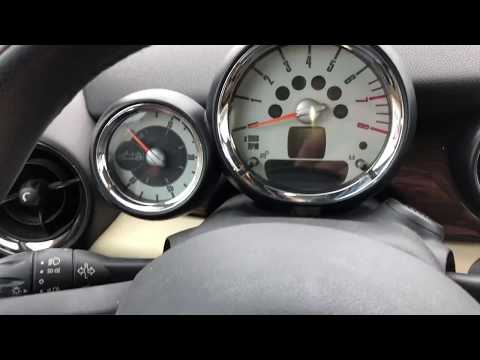
The clock adjustment on the Mini Cooper is done by turning on the instrument panel and navigating to the menu that will appear on the central display using the red button on the tunnel: you will need to scroll until you select the "Setup" option. At this point, you will need to scroll and select the "Time/Date" option and then "Set time:"; this will give access to the screen from which you can modify both the hours and minutes. In this way, you can confirm by returning to the initial screen; at the end of the modification, you can turn off the instrument panel by turning the key.
Posted on 25 May 2024 by ScegliAuto
Video tutorial
Related tutorials
Mini
(2007-2014 /
R56, R55, R57)
Learn how to set the clock on a Mini Cooper with the central clock display system. Display the clock on the screen (if it is not already visible, pre…

Mini
(2014-2023 /
F56, F57, F54, F55)
The clock adjustment of the Mini Cooper can be done by turning on the instrument panel, after the key has been inserted into the corresponding slot: …
Mini
(2001-2007 /
R53, R52, R50)
In this tutorial, you will see how to set the time in the Mini Cooper, a very simple and quick operation to perform, for example, after replacing the…
Other guides you may be interested in
|
How to Replace the Remote Battery for the Volvo XC40?
In this tutorial, you will see how to replace the battery in the remote for the Volvo XC40, a very simple and quick operation. For this, you will need a replacement battery of type CR2032 and possibly a small flathead screwdriver. First, remove the front cover by pressing the button on the metal ring, then locate the second button, press it as well, and remove the opposite cover. Next, open the circular cap, take out the old battery, and insert the new one in the opposite direction. Finally, reassemble everything. by ScegliAuto More videos
|

|
For advertising on this site Write to info@scegliauto.com
ScegliAuto is not responsible for any inaccuracy of the data in the lists. To report any inaccuracy or your business (if you own the business in question), please write to info@scegliauto.com
Number of seconds to generate the page: 0.160
(c) ScegliAuto 2026 - info@scegliauto.com - Privacy policy VAT number: IT01247470535 |
