
|
Do it yourself
| |||
| ||||


Amplifier Installation Instructions
Model: Mitsubishi Lancer
MK 8
- Years 2000-2006
First, locate the amplifier's position within the cabin, considering the available space: in this case, it has been installed under the passenger seat where there is a compartment that seems almost like an original fitting. Once positioned, ensure the wiring is properly placed; for the power supply, it is recommended to run the positive directly from the battery terminal, applying a filter along the cable, which should obviously be of the appropriate gauge; the ground can then be connected directly to the chassis. Next, connect the audio outputs from the head unit to the amplifier and then from the amplifier to the speakers.
Updated on 5 February 2026 by ScegliAuto
Video tutorial
Related tutorials
Mitsubishi Lancer
(2007-2020 /
MK 9)
Before proceeding with the installation of the LED bulbs, obtain a plastic spatula to detach the light fittings without damaging them; use the spatul…
Mitsubishi Lancer
(2007-2020 /
MK 9)
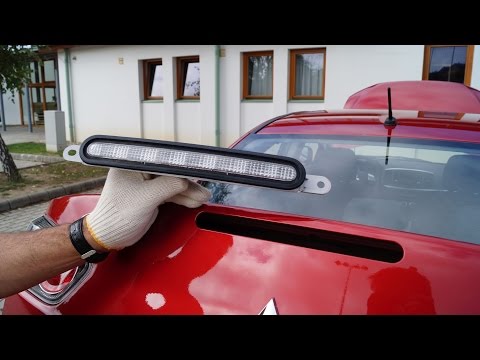
To remove the third brake light fitted to the tailgate, first remove the sound-absorbing carpet lining by disengaging the relevant pressure fasteners…
Mitsubishi Lancer
(2007-2020 /
MK 9)
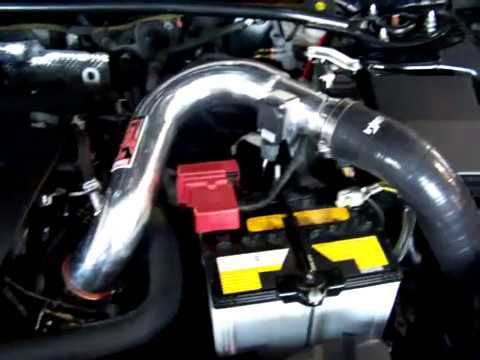
The heater serves to warm the engine block to increase the vehicle's starting speed, as well as to heat the vehicle more quickly than it would normal…
Other guides you may be interested in
|
How to Reset the Tyre Pressure Light on the Opel Grandland X
While driving, if you notice the tyre pressure warning light coming on, first check the actual inflation pressure of the tyres and, if necessary, restore the pressures recommended by the manufacturer. After restoring the correct pressures, you need to reset the warning light that has illuminated on the instrument cluster. To do this, locate the reset button on the lower central console. Press this button and hold it down for at least 3 seconds, after which the low pressure indication will turn off. by ScegliAuto More videos
|
|
For advertising on this site Write to info@scegliauto.com
ScegliAuto is not responsible for any inaccuracy of the data in the lists. To report any inaccuracy or your business (if you own the business in question), please write to info@scegliauto.com
Number of seconds to generate the page: 0.130
(c) ScegliAuto 2026 - info@scegliauto.com - Privacy policy VAT number: IT01247470535 |
