
|
Do it yourself
| |||
| ||||


How do you reset the Nissan Rogue service light?
Model: Nissan Rogue
T32
- Years 2014-2020
In order to reset the Nissan Rogue's Service spy, you need to turn the key so that the instrument panel can turn on: at this point, press the button with the right arrow located on the left spoke of the steering wheel. A menu will appear in which it will be necessary to navigate by selecting the "Maintenance" item: then selecting the "Reset" item which will appear on the next screen, it will then be possible to reset the warning light by turning it off. By switching the instrument panel off and on again, it will be possible to verify that the warning light has gone out and that the service intervals have been reset.
Posted on 18 September 2022 by ScegliAuto
This video is currently unavailable
Related tutorials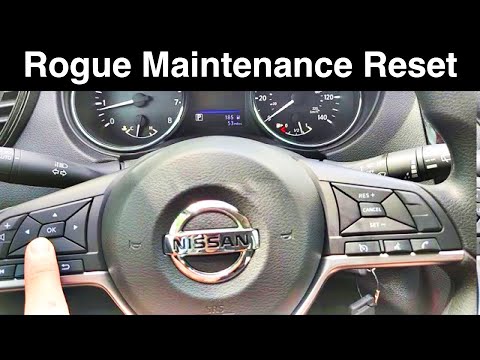
Nissan Rogue
(2014-2020 /
T32)
In this video we can see how to reset the service in the Nissan Rogue. Before carrying out this simple operation, let's make sure that you have compl…

Nissan Rogue
(2021-2026 /
T33)
If you want to manually reset the engine oil light of your Nissan Rogue (2023), you must follow all the steps described in our new guide. First, star…
Nissan Rogue
(2014-2020 /
T32)
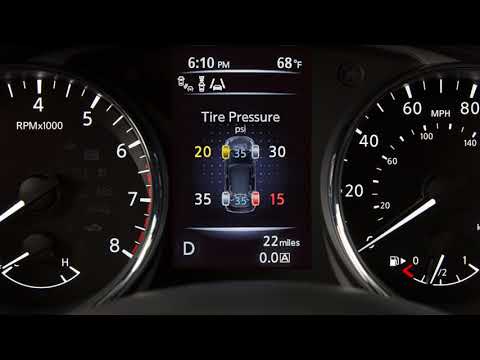
Today we will discover the process of resetting the tire pressure warning light of the Nissan Rogue; before performing the reset, it is necessary for…
Other guides you may be interested in
|
How to Replace the Fuel Filter on a Ford Focus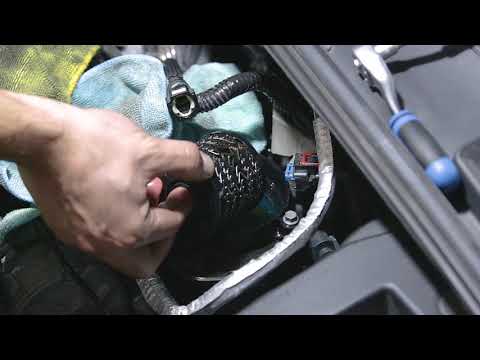
Want to replace the fuel filter on your car without incurring labour costs? Follow this guide to remove the fuel filter on a Ford Focus yourself. First, lift the bonnet and secure it. Once you locate the fuel filter, disconnect it from the pipes and wiring. Use a spanner and socket to unscrew the securing bolts of the upper filter cover, then unscrew the central bolt on the filter. Remove the worn filter and refit the cap with the new filter. Reattach the filter cover in the engine bay with all its parts (pipes and wiring). by ScegliAuto More videos
|
|
For advertising on this site Write to info@scegliauto.com
ScegliAuto is not responsible for any inaccuracy of the data in the lists. To report any inaccuracy or your business (if you own the business in question), please write to info@scegliauto.com
Number of seconds to generate the page: 0.102
(c) ScegliAuto 2026 - info@scegliauto.com - Privacy policy VAT number: IT01247470535 |
