
|
Do it yourself
| |||
| ||||


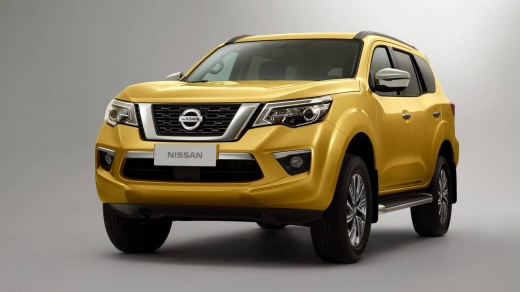
How to Install Rain Visors on the Nissan Terra
Model: Nissan Terra
MK 1
- Years:
2018, 2019, 2020, 2021, 2022, 2023, 2024, 2025, 2026
This video is currently unavailable
This video shows you how to install rain visors on your Nissan Terra with a simple DIY approach. These rain visors can be easily ordered online or purchased from a dealer that has them in stock. In addition to preventing rain from entering when the window is down, they also help reduce noise perception during trips, such as on the highway. Installing them is very straightforward. The installation does not require drilling or special hardware; just position the visor at the top of the door, remove the adhesive backing, and place it.
Updated on 25 July 2026 by ScegliAuto
Related tutorials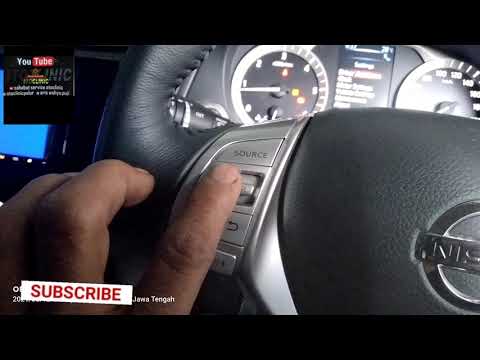
Nissan Terra
(2018-2026 /
MK 1)
To properly reset the oil light on your Nissan Terra, follow these brief but important steps. You will find all the necessary information described b…
Nissan Terra
(2018-2026 /
MK 1)
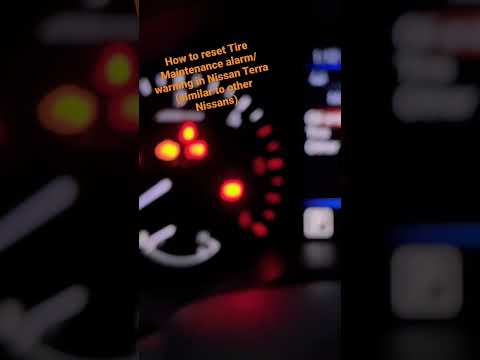
In this new mini guide for all Nissan Terra owners, discover the steps to manually reset the tire pressure warning light on your own. First, turn on …
Nissan Terra
(2018-2026 /
MK 1)
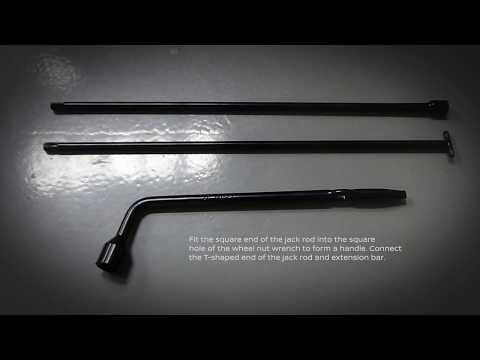
The spare tire on the Nissan Terra is located under the vehicle's floor, corresponding to the trunk area: to access the tire, use the key provided in…
Other guides you may be interested in |
How to Remove the Rear Seat of a Hyundai Tucson?
To remove the rear seat of a Hyundai Tucson, follow these steps. Start by moving the front seats to their most forward position to gain space. Next, locate the release lever on the underside of the rear seat, near the floor. Press this lever down while pulling the seat upwards to unlock it from the anchor pins. Once unlocked, tilt the seat upwards and forwards to remove it from its position. Repeat this process for both sides of the rear seat. Be careful of any electrical cables or components that may be connected to the seat during removal. Once the rear seat is removed, the disassembly is complete. by ScegliAuto More videos
|
|
For advertising on this site Write to info@scegliauto.com
ScegliAuto is not responsible for any inaccuracy of the data in the lists. To report any inaccuracy or your business (if you own the business in question), please write to info@scegliauto.com
Number of seconds to generate the page: 0.008
(c) ScegliAuto 2026 - info@scegliauto.com - Privacy policy VAT number: IT01247470535 |
