
|
Do it yourself
| |||
| ||||


How to Fix Error Codes 16 and 24 on Opel/Vauxhall
Model: Vauxhall Opel Various
Video tutorial
In this video, we will see how to address the error codes 24 (number plate light) and 16 (brake light failure) on our Opel/Vauxhall. To change the number plate light bulbs, remove the cover containing the bulb by prying with a screwdriver on the tab, take out the bulb, and replace it (you can also use an LED). For the brake light, the YouTuber decided to remove the entire light unit by unscrewing the screws found inside the boot for easier access. From here, you can easily change the bulb and then refit the entire unit, also using the side screws shown in the video. This way, the problem will be resolved.
Updated on 26 October 2026 by ScegliAuto
Related tutorials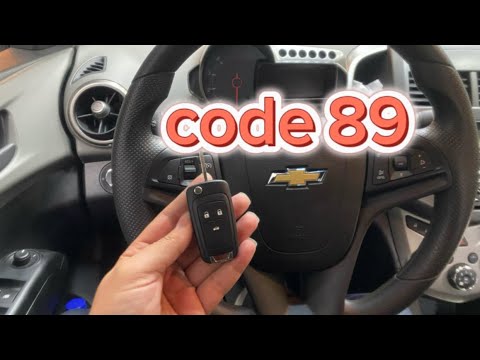
Vauxhall Opel Various
Error code 89, whether on an Opel or Chevrolet vehicle, indicates a generic error. The message that may appear alongside the code is "seek assistance…

Vauxhall Opel Various
When the message INSP1, INSP2, or INSP3 appears on the instrument panel of an Opel or Vauxhall, what does it mean? It indicates that an inspection or…

Vauxhall Opel Various
In this video, learn how to perform the Pedal Check on an Opel vehicle. This allows you to check which error the vehicle is signalling simply by pres…
Other guides you may be interested in |
How to Set the Time in an Audi A4?
In this tutorial, you will see how to set the time in an Audi A4, a very simple and quick operation to perform after replacing the battery or when the time changes. First, insert the key and turn on the instrument cluster. Then, press the "SETUP" button located on the center console. Next, press the upper left arrow button, navigate to the "Time" option, and use the central knob to adjust the clock. Finally, set any necessary formats and save by returning to the main screen. by ScegliAuto More videos
|
|
For advertising on this site Write to info@scegliauto.com
ScegliAuto is not responsible for any inaccuracy of the data in the lists. To report any inaccuracy or your business (if you own the business in question), please write to info@scegliauto.com
Number of seconds to generate the page: 0.024
(c) ScegliAuto 2026 - info@scegliauto.com - Privacy policy VAT number: IT01247470535 |
