
|
Do it yourself
| |||
| ||||


How do you reset the Service light on the Opel Astra?
Model: Vauxhall Astra
Astra J
- Years 2009-2016
It will be possible to make the Service light of the Opel Astra disappear from the instrument panel by inserting the ignition key and turning it to turn on the instrument panel. Once the instrument panel is turned on, you can press the MENU button on the lever to the left of the steering wheel, moving inside with the arrows on the lever itself. Once the maintenance option is found, press the SET/CLR button: a confirmation message will appear. By selecting "Yes" with the same buttons on the left lever, you will notice that the light will be turned off.
Posted on 27 March 2025 by ScegliAuto
Video tutorial
Related tutorials
Vauxhall Astra
(2009-2016 /
Astra J)
The reset of the service light of the Opel Astra J model is an operation that can be performed independently with just a few steps. The steps to be f…

Vauxhall Astra
(2009-2016 /
Astra J)
Here is described the procedure for resetting the service light in the Opel Astra J, referring to the video guide attached here. The reset, it is imp…
Vauxhall Astra
(2004-2010 /
Astra H)
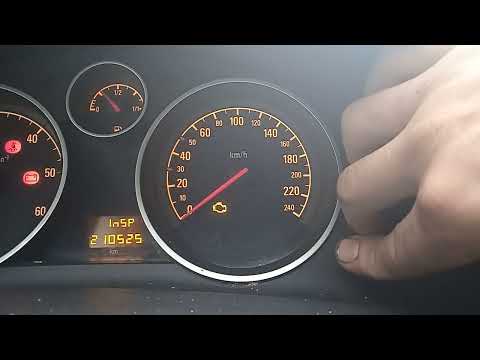
Resetting the service light on an Opel Astra H model produced from 2004 to 2010 has never been so simple thanks to our video guide. The first step to…
Other guides you may be interested in
|
Frequently Asked QuestionsHow to Reset Service Light on Fiat 500L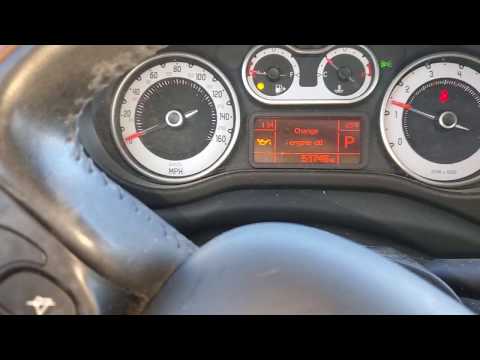
How to remove the service light on a Fiat 500L? Let's see how to do it. Enter the vehicle and turn on the instrument panel. Press the accelerator pedal six times in a row, then release the pedal. Turn off the instrument panel and remove the key from the ignition. Reinsert the key and turn on the instrument panel, then wait for it to illuminate. Check the changes made to the car and see if the light has disappeared. Always remember to carry out onboard computer modifications with the engine off. Perform the reset safely. by ScegliAuto More videos
|
|
For advertising on this site Write to info@scegliauto.com
ScegliAuto is not responsible for any inaccuracy of the data in the lists. To report any inaccuracy or your business (if you own the business in question), please write to info@scegliauto.com
Number of seconds to generate the page: 0.115
(c) ScegliAuto 2026 - info@scegliauto.com - Privacy policy VAT number: IT01247470535 |
