
|
Do it yourself
| |||
| ||||



How to replace the windscreen washer nozzles of the Opel/Vauxhall Insignia A
Model: Vauxhall Insigna
MK 1, Insigna A
- Years:
2008, 2009, 2010, 2011, 2012, 2013, 2014, 2015, 2016, 2017
Video tutorial
In this video, we will see how to change the windshield washer nozzles of the Opel/Vauxhall Insignia A: we start by removing the wiper arms, taking off the bolt covers, and then unscrewing them. Then we remove the grille at the base of the windshield, levering with a small screwdriver and releasing the clips that hold it to the bodywork. Now we can remove the old nozzles; we can find the new ones, for example, on auto-doc. It with the code EDS-PL-003A at the price of 5.87 for the set of two pieces + 9.90 euros for shipping costs. We install them in their place - they must fit well - and then we just need to put the grille back in place by snapping the clips, and finally reposition the wiper blades. Job done.
Posted on 7 May 2025 by ScegliAuto
Related tutorials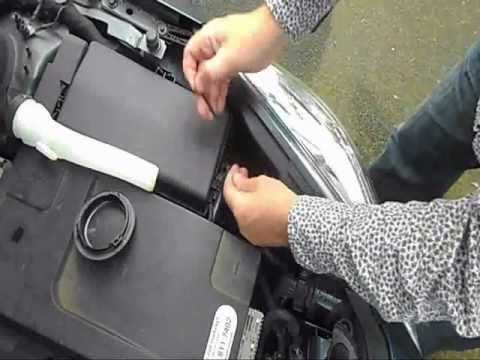
Vauxhall Insigna
(2008-2017 /
MK 1, Insigna A)
Before starting, open the bonnet of your Opel Insignia. Begin by disconnecting and removing the windscreen washer filler tube to access the rear cove…
Vauxhall Insigna
(2008-2017 /
MK 1, Insigna A)
Open and lift the bonnet. Remove the funnel that carries the windscreen washer fluid by simply pulling it upwards. Now you need to remove the cap loc…
Vauxhall Insigna
(2008-2017 /
MK 1, Insigna A)
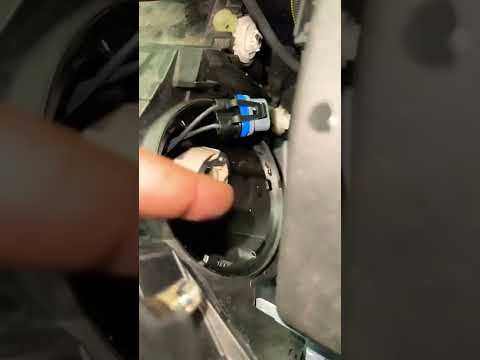
In this video, learn how to replace the main bulb of the dipped headlight on an Opel/Vauxhall Insignia: open the front bonnet, and to access the left…
Other guides you may be interested in
|
How to Set the Time in an Audi A4?
In this tutorial, you will see how to set the time in an Audi A4, a very simple and quick operation to perform after replacing the battery or when the time changes. First, insert the key and turn on the instrument cluster. Then, press the "SETUP" button located on the center console. Next, press the upper left arrow button, navigate to the "Time" option, and use the central knob to adjust the clock. Finally, set any necessary formats and save by returning to the main screen. by ScegliAuto More videos
|
|
For advertising on this site Write to info@scegliauto.com
ScegliAuto is not responsible for any inaccuracy of the data in the lists. To report any inaccuracy or your business (if you own the business in question), please write to info@scegliauto.com
Number of seconds to generate the page: 0.029
(c) ScegliAuto 2026 - info@scegliauto.com - Privacy policy VAT number: IT01247470535 |
