
|
Do it yourself
| |||
| ||||


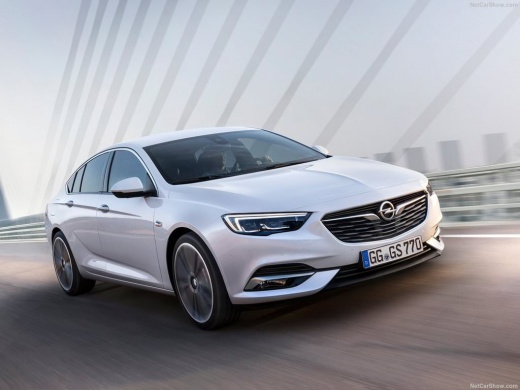
How to replace the battery of the Opel Insignia 2.0 CDTi
Model: Vauxhall Insigna
MK 2, Insigna B
- Years 2017-2026
Video tutorial
Detailed instructions - In this guide, we will discover the instructions to remove and replace the battery of the Opel Insignia 2.0 CDTi. First, open the bonnet of the vehicle and start by removing the upper plastic cover; then disconnect both battery terminals (positive and negative), removing the battery from its compartment by unscrewing the bracket screw, as shown in the video. At this point, install the new battery, of the correct type and with the same amperage, inserting it the right way; remount the cover and check the correct starting of the engine!
Posted on 1 October 2026 by ScegliAuto
Related tutorials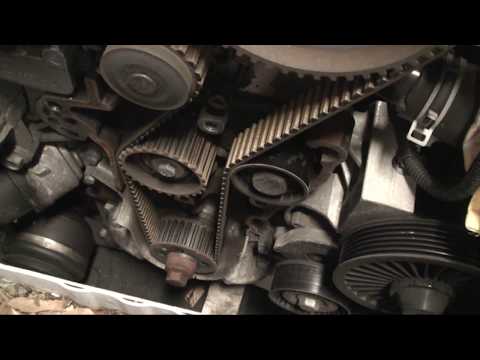
Vauxhall Insigna
(2008-2017 /
Insigna A, MK 1)
Here are the instructions for removing and replacing the timing belt on the Opel Insignia 2.0 CDTI. First, open the bonnet and remove the timing belt…

Vauxhall Insigna
(2017-2026 /
MK 2, Insigna B)
The main instructions in this guide will show you how to remove and replace the turbocharger of the Opel Insignia 1.6 CDTi. First, open the bonnet of…

Vauxhall Insigna
(2008-2017 /
Insigna A, MK 1)
In this guide we will see the steps that will allow us to disassemble and replace the timing belt of the Opel Insignia 2.0 CDTI. First of all, we ope…
Other guides you may be interested in
|
How to reset the electronic handbrake of the Renault Scenic?
To reset the electronic handbrake on the Renault Scenic, turn on the instrument panel by inserting the ignition key into its slot. Once the panel is on, remove the protective panel of the dashboard located at the bottom left of the steering column. This will allow you to extract the handbrake button and disconnect the connector from the entire device. The lever on the button must be pulled down and then lifted again to restore the handbrake. by ScegliAuto More videos
|
|
For advertising on this site Write to info@scegliauto.com
ScegliAuto is not responsible for any inaccuracy of the data in the lists. To report any inaccuracy or your business (if you own the business in question), please write to info@scegliauto.com
Number of seconds to generate the page: 0.239
(c) ScegliAuto 2026 - info@scegliauto.com - Privacy policy VAT number: IT01247470535 |
