
|
Do it yourself
| |||
| ||||


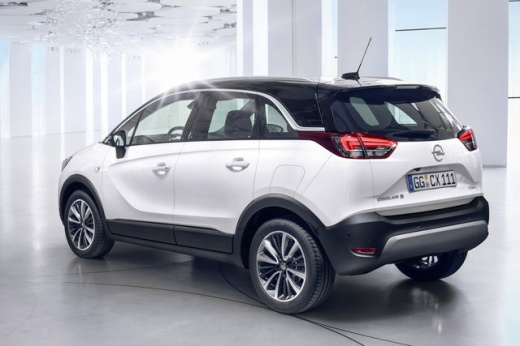
How to Reset the "Service" Light on an Opel Crossland X
Model: Vauxhall Crossland X
MK 1
- Years:
2017, 2018, 2019, 2020, 2021, 2022, 2023, 2024
Video tutorial
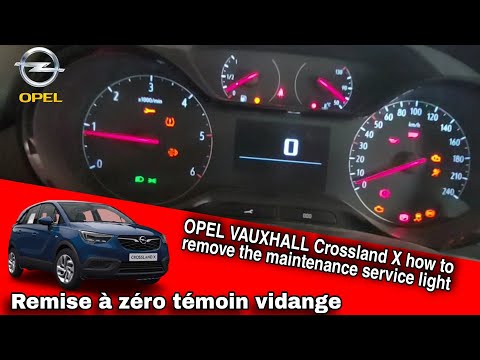
Before you begin, sit in the driver's seat of your Opel Crossland X. Start by pressing and holding the "check" button located on the instrument cluster. At the same time, activate the instrument cluster by turning the key to position one. Once the instrument cluster is activated, continue to press the "check" button until the service light turns off. After completing this step, you will have successfully reset the "service" light shaped like a spanner on your Opel Crossland X.
Updated on 5 April 2026 by ScegliAuto
Related tutorials
Vauxhall Crossland X
(2017-2024 /
MK 1)
To reset the Service light on the Opel Crossland X, press and hold the CHECK button located in the centre of the instrument panel. While continuing t…

Vauxhall Crossland X
(2017-2024 /
MK 1)
After performing the regular maintenance of your Opel Crossland X, it may happen that the service light on the instrument panel remains on. In this g…
Vauxhall Crossland X
(2017-2024 /
MK 1)
To reset the service light on an Opel Crossland X, follow these steps: 1) Press and hold the "Check" button located below the instrument panel; 2) Wi…
Other guides you may be interested in
|
How to Remove the Rear Seats in the Peugeot 307 CC?
In this tutorial, you will see how to remove the rear seats in the Peugeot 307 CC, a very simple and quick operation. First, open both doors, then lower the front seats and obtain a large pair of pliers. Next, locate the two fastening brackets at the front ends of the seat, compress them using the pliers, and simultaneously lift the seat itself to separate it from the base. To remove the backrest, simply unscrew the relevant fastening bolts, and to reassemble everything, just follow the reverse procedure. by ScegliAuto More videos
|
For advertising on this site Write to info@scegliauto.com
ScegliAuto is not responsible for any inaccuracy of the data in the lists. To report any inaccuracy or your business (if you own the business in question), please write to info@scegliauto.com
Number of seconds to generate the page: 0.147
(c) ScegliAuto 2026 - info@scegliauto.com - Privacy policy VAT number: IT01247470535 |
