
|
Do it yourself
| |||
| ||||


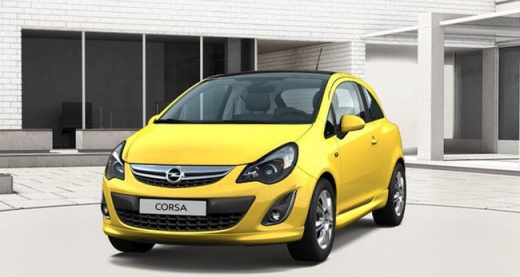
Replacing the front bulbs on the Opel Corsa on the driver's side
Model: Vauxhall Corsa
Corsa D
- Years 2006-2014
Lift the hood and put on the special support rod. To replace the bulbs on the driver's side (the car in the video has a right-hand drive) you must first remove the air box: to do this, you must first disconnect the connector, then you must disconnect the duct by unscrewing the two screws that keep it anchored to the box and finally remove it, pulling it towards the engine compartment. Once this is done, you can replace any bulb by accessing it from behind, removing any rear cover and unscrewing the bulb itself: nothing could be easier. The bulk of the work is removing the air box.
Posted on 4 March 2021 by ScegliAuto
Video tutorial
Related tutorials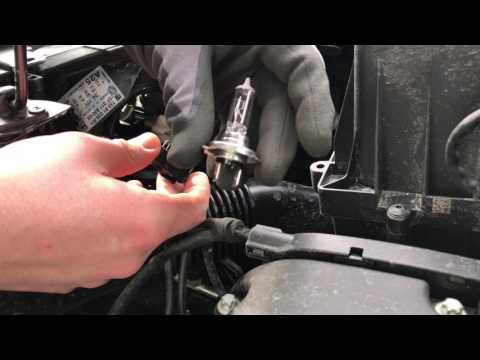
Vauxhall Corsa
(2014-2019 /
Corsa E)
Learn how to replace the front headlamp bulbs on an Opel Corsa. Release the front bonnet by pulling the lever located at the bottom right of the dash…
Vauxhall Corsa
(2006-2014 /
Corsa D)
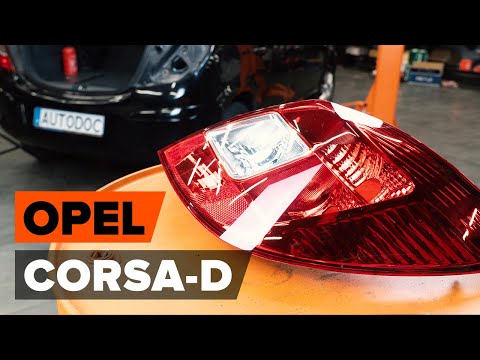
Below we will see the necessary instructions to disassemble and replace the bulbs of the rear headlight of the Opel Corsa. First, we open the rear do…
Vauxhall Corsa
(2000-2006 /
Corsa C)
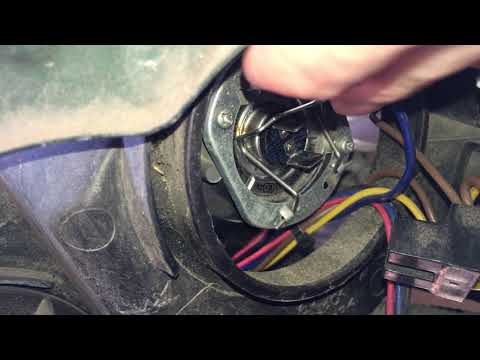
Are the bulbs in your Opel Corsa blown and need replacing? Here’s how to change them in the front headlight. Open the front bonnet by pulling the lev…
Other guides you may be interested in
|
How to Pair Smartphone with Bluetooth System on Fiat Tipo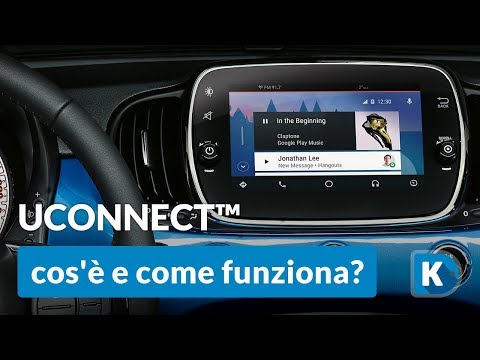
Here’s how to pair your smartphone with the Bluetooth system of the Fiat Tipo's car radio: activate the Bluetooth on your smartphone and set the car radio to connect with the external device. When the car's multimedia system detects your smartphone's Bluetooth, confirm and click on the 'new cell' option. Once the system has detected the smartphone, enter the pairing password if necessary. Finally, download the app on your smartphone and confirm the pairing with the car's multimedia system. Now your smartphone is connected to your car. by ScegliAuto More videos
|
|
For advertising on this site Write to info@scegliauto.com
ScegliAuto is not responsible for any inaccuracy of the data in the lists. To report any inaccuracy or your business (if you own the business in question), please write to info@scegliauto.com
Number of seconds to generate the page: 0.050
(c) ScegliAuto 2026 - info@scegliauto.com - Privacy policy VAT number: IT01247470535 |
