
|
Do it yourself
| |||
| ||||


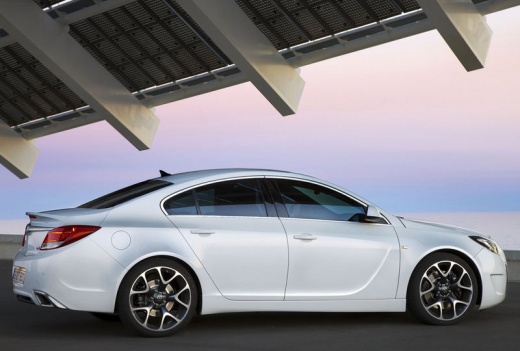
Brake Pad Replacement
Model: Vauxhall Insigna
MK 1, Insigna A
- Years:
2008, 2009, 2010, 2011, 2012, 2013, 2014, 2015, 2016, 2017
Video tutorial
Lift the vehicle with a jack and remove the front wheel; unscrew the retaining pins of the brake caliper and remove it; extract the old pads from the bracket and fit the new ones with the corresponding retaining springs; compress the brake caliper piston using a C-clamp and reposition it onto the bracket, tightening the retaining pins. Repeat the operation on the other wheel and pay attention during the first braking: ensure that the pedal offers the correct resistance before driving (it is important that the piston presses against the pads).
Updated on 7 February 2026 by ScegliAuto
Related tutorials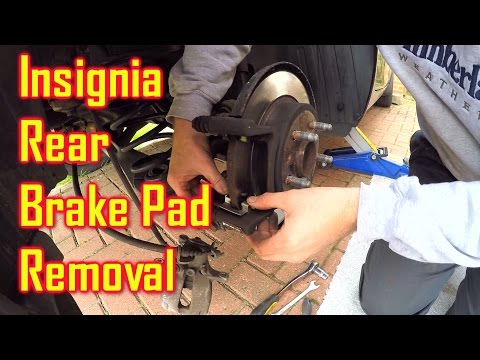
Vauxhall Insigna
(2008-2017 /
MK 1, Insigna A)
How do you change the rear brake pads on the Insignia? Lift the car with a jack and remove the rear wheel. Unscrew the caliper locking bolt, then rem…
Vauxhall Insigna
(2008-2017 /
MK 1, Insigna A)
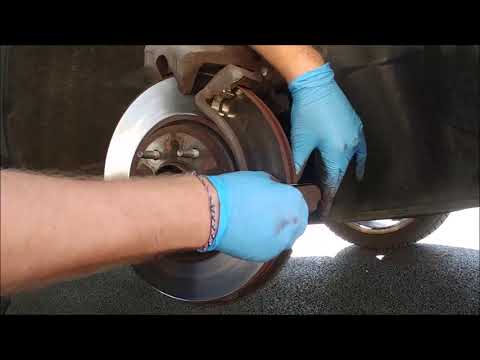
Before you start, engage the handbrake and put the first gear in your Opel Insignia, then lift the front of the car. Begin by removing the front whee…
Vauxhall Insigna
(2008-2017 /
MK 1, Insigna A)
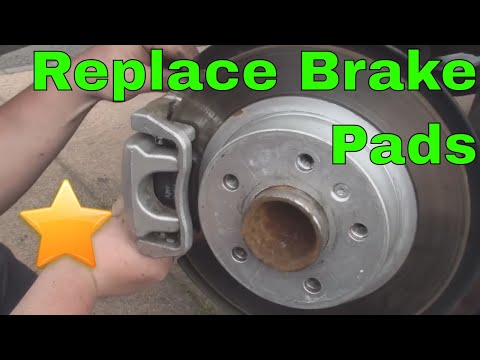
Lift the vehicle onto suitable axle stands and remove the rear wheel (loosen the bolts before lifting); unscrew the retaining bolts of the brake cali…
Other guides you may be interested in |
How to Open the Bonnet on the Mitsubishi L200?
In this tutorial, you will see how to open the bonnet on the Mitsubishi L200, a very simple operation that follows the standard procedure. First, open the vehicle and go to the driver's side, then locate the lever at the lower outer area, just in front of the pedals, and pull it. Next, position yourself in front of the bonnet, locate the second lever above the Mitsubishi logo, and push it to the right, releasing the latch. At this point, you can fully lift the bonnet and secure it with the prop rod. by ScegliAuto More videos
|
|
For advertising on this site Write to info@scegliauto.com
ScegliAuto is not responsible for any inaccuracy of the data in the lists. To report any inaccuracy or your business (if you own the business in question), please write to info@scegliauto.com
Number of seconds to generate the page: 0.016
(c) ScegliAuto 2026 - info@scegliauto.com - Privacy policy VAT number: IT01247470535 |
