
|
Do it yourself
| |||
| ||||


Removing Radio from Opel Astra H
Model: Vauxhall Astra Sw
MK 3
- Years:
2004, 2005, 2006, 2007, 2008, 2009, 2010, 2011
Video tutorial
Insert the appropriate pins into the four holes located at the corners of the radio. Apply slight pressure on them and pull towards you: the radio will come out of its housing. Now remove the pins and disconnect the connectors. Reverse the process to install the new radio. As you can see, on this model, changing the radio is extremely simple, nothing compared to many cars where you have to remove trims, frames, etc. That said, if you are a technology enthusiast, you can find suitable onboard computers for your Opel Astra online instead of reusing the old radio.
Updated on 17 April 2026 by ScegliAuto
Related tutorials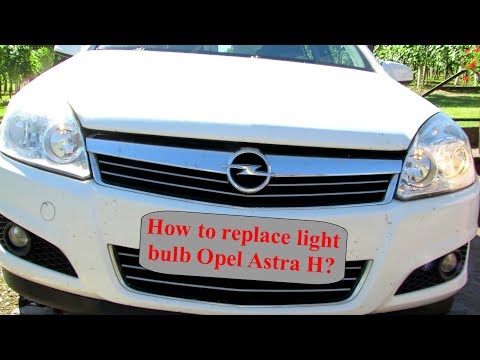
Vauxhall Astra Sw
(2004-2011 /
MK 3)
Let's see in this video how to replace the damaged bulbs on an Opel Astra. Start by removing the plastic cover at the bottom of the bumper with a sui…
Vauxhall Astra Sw
(2004-2011 /
MK 3)
In this short video tutorial, you will see how to remove the ashtray from your Opel Astra H Stationwagon and how to extract the cigarette lighter fro…
Vauxhall Astra Sw
(2004-2011 /
MK 3)
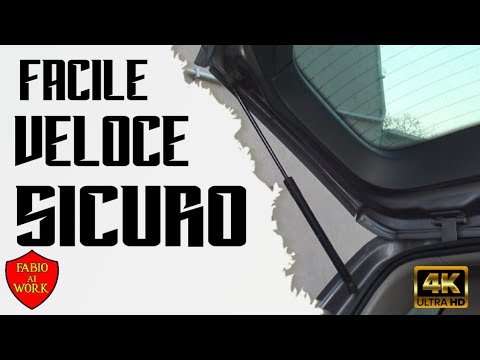
This brief video tutorial shows the steps necessary to replace the tailgate struts on a third-generation Opel Astra SW, produced from 2004 to 2011. F…
Other guides you may be interested in
|
How to Reset the Tyre Pressure Warning Light on the Jeep Renegade?
To reset the tyre pressure warning light on the Jeep Renegade, inflate the tyres until they reach the recommended pressure: this value is indicated on the sticker attached to the driver’s door pillar. Once the tyres are properly inflated, navigate through the menu that appears on the instrument cluster until you find the tyre pressure option. At this point, press and hold the OK button on the right side of the steering wheel to make the warning light disappear. by ScegliAuto More videos
|
For advertising on this site Write to info@scegliauto.com
ScegliAuto is not responsible for any inaccuracy of the data in the lists. To report any inaccuracy or your business (if you own the business in question), please write to info@scegliauto.com
Number of seconds to generate the page: 0.021
(c) ScegliAuto 2026 - info@scegliauto.com - Privacy policy VAT number: IT01247470535 |
