
|
Do it yourself
| |||
| ||||


Replacing Rear Brake Pads
Model: Vauxhall Insigna
MK 1, Insigna A
- Years 2008-2017
Lift the vehicle onto suitable axle stands and remove the rear wheel (loosen the bolts before lifting); unscrew the retaining bolts of the brake caliper and remove it from its seat to access the worn pads; insert the new pads and use the appropriate tool to retract the caliper piston by turning it clockwise. Reposition the caliper and tighten the retaining bolts. Pump the brake pedal until it provides the correct resistance, and be cautious during the initial braking.
Updated on 12 February 2026 by ScegliAuto
Video tutorial
Related tutorials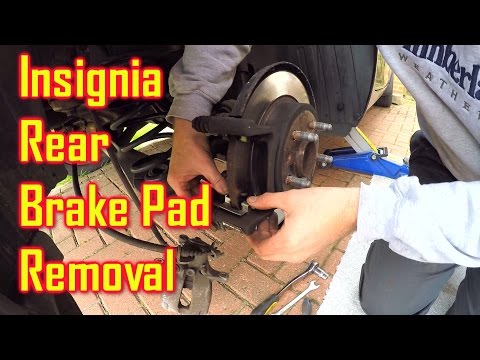
Vauxhall Insigna
(2008-2017 /
MK 1, Insigna A)
How do you change the rear brake pads of the Insigna? We lift the car with a jack and remove the rear wheel. We unscrew the locking pin of the brake …
Vauxhall Insigna
(2008-2017 /
MK 1, Insigna A)
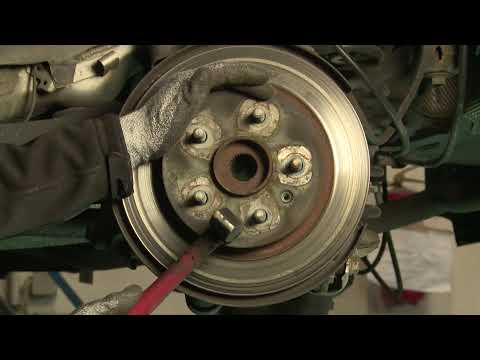
To replace the rear discs and pads, it is advisable to lift the vehicle on a ramp and remove the rear wheel. Before proceeding with the brake disasse…
Vauxhall Insigna
(2008-2017 /
MK 1, Insigna A)
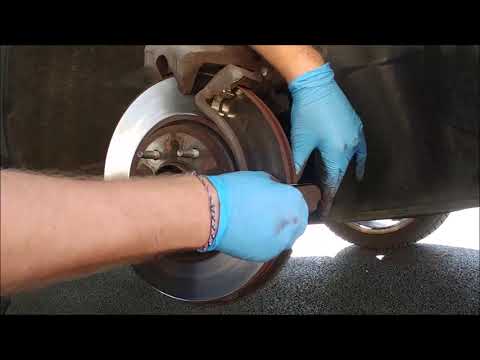
Before starting, we will have to apply the parking brake and engage the first gear of our Opel Insignia, and then raise the front of our car. So let'…
Other guides you may be interested in
|
Remove Front Door Panel on Opel Insignia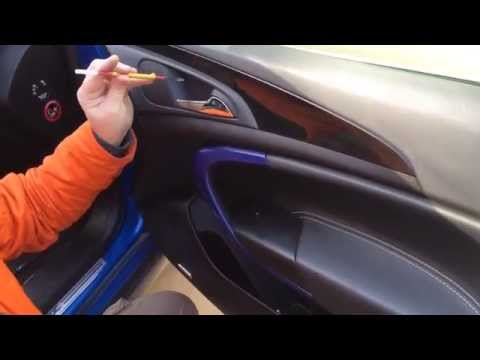
How to remove the front door panel on an Opel Insignia? Follow these steps. Before starting the disassembly, disconnect the battery terminals located in the engine bay. Begin the disassembly: use a lever to remove the plastic cover under the door handle, then use a screwdriver to unscrew the securing screws underneath. Once all screws are removed, detach the plastic clips that secure the door. Remove the door panel by hand, disconnect the power connectors and the door release cable. by ScegliAuto More videos
|
|
For advertising on this site Write to info@scegliauto.com
ScegliAuto is not responsible for any inaccuracy of the data in the lists. To report any inaccuracy or your business (if you own the business in question), please write to info@scegliauto.com
Number of seconds to generate the page: 0.090
(c) ScegliAuto 2026 - info@scegliauto.com - Privacy policy VAT number: IT01247470535 |
