
|
Do it yourself
| |||
| ||||


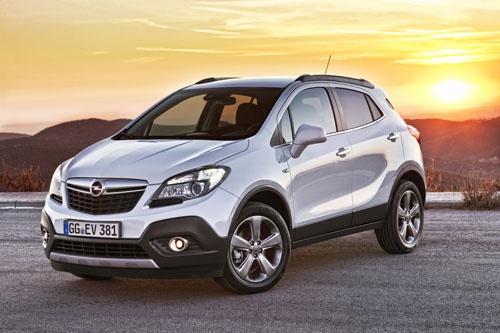
How to Install Dynamic Side Indicators on the Opel Mokka
Model: Vauxhall Mokka
Mokka A
- Years:
2012, 2013, 2014, 2015, 2016, 2017, 2018, 2019
Video tutorial
Learn how to easily install the dynamic side indicators (the "gem" for clarity) on the Opel Mokka. First, you can obtain the kit from AliExpress using code 4000278402927. The kit costs £14.00 (+£1.60 for delivery). Installation is very simple. First, remove the original indicators by pushing the lamp holder towards the bonnet and then pulling it outwards. Next, rotate the lamp holder connector and extract the lamp holder. (It may be a bit stiff, but don't worry, you won't break anything). Insert the new Dynamic indicator into the Opel lamp holder. It's a plug & play connection, so there's nothing else to do.
Updated on 5 July 2026 by ScegliAuto
Related tutorials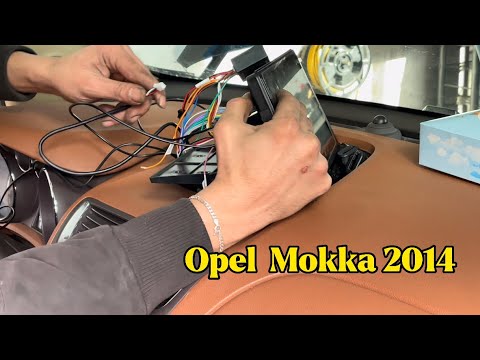
Vauxhall Mokka
(2012-2019 /
Mokka A)
This guide shows you how to install a new Android multimedia system with a display on the Opel Mokka. First, get inside the vehicle and begin removin…
Vauxhall Mokka
(2012-2019 /
Mokka A)
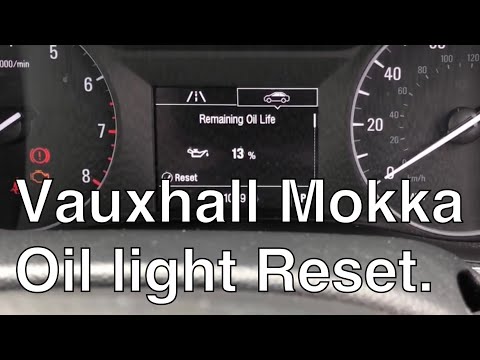
Learn how to reset the engine oil maintenance light on the Opel Mokka X. First, get inside the vehicle and scroll through the options on the instrume…
Vauxhall Mokka
(2020-2026 /
Mokka B)
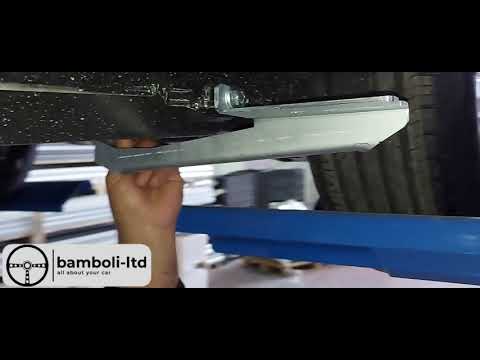
In this video, you can see how to install side steps on the Opel Mokka MK2: The side steps shown in this video can be found on bamboliltd.com with th…
Other guides you may be interested in |
Frequently Asked QuestionsHow to lower the rear seats in the Peugeot 206?
In this tutorial, you will see how to lower the rear seats in the Peugeot 206, a very simple and quick operation, for example, if you need more space in the boot. First, open both the doors and the tailgate, then unclip the seat base and position it vertically. Next, remove the horizontal partition, locate the release levers at the ends of both seatbacks, and, by operating them, lower the seatbacks. To reassemble everything, simply follow the reverse procedure. by ScegliAuto More videos
|
|
For advertising on this site Write to info@scegliauto.com
ScegliAuto is not responsible for any inaccuracy of the data in the lists. To report any inaccuracy or your business (if you own the business in question), please write to info@scegliauto.com
Number of seconds to generate the page: 0.012
(c) ScegliAuto 2026 - info@scegliauto.com - Privacy policy VAT number: IT01247470535 |
