
|
Do it yourself
| |||
| ||||


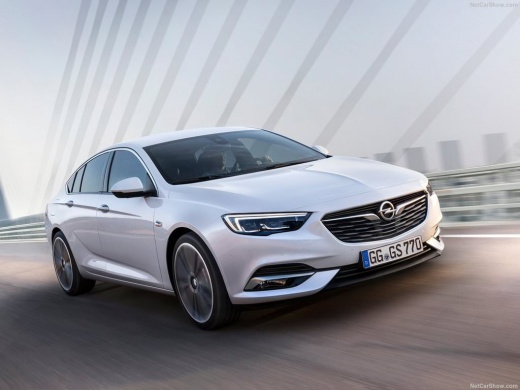
What is the Fuse Diagram of the Opel Insignia?
Model: Vauxhall Insigna
MK 2, Insigna B
- Years:
2017, 2018, 2019, 2020, 2021, 2022, 2023, 2024, 2025, 2026
Video tutorial
If some devices in your Opel Insignia have suddenly stopped working, the first thing to do is check the status of the relevant fuses, the locations of which are indicated in this video. The first fuse box is located inside the cabin, specifically in the lower area of the dashboard on the driver's side. The second box is positioned in the engine bay, protected by a black plastic cover near the battery, while the third and final box is found on the left wall of the boot. In case of a blown fuse, ensure you use a replacement with the same specifications.
Updated on 30 August 2026 by ScegliAuto
Related tutorials
Vauxhall Insigna
(2017-2026 /
MK 2, Insigna B)
Today's guide will show you the diagram and placement of the fuse boxes for the Opel Insignia, following the instructions below. First, locate the in…

Vauxhall Insigna
(2017-2026 /
MK 2, Insigna B)
Today's guide will show you where to find the fuse boxes and how to access the fuse diagram for the Opel Insignia in simple steps. First, open the bo…
Vauxhall Insigna
(2017-2026 /
MK 2, Insigna B)
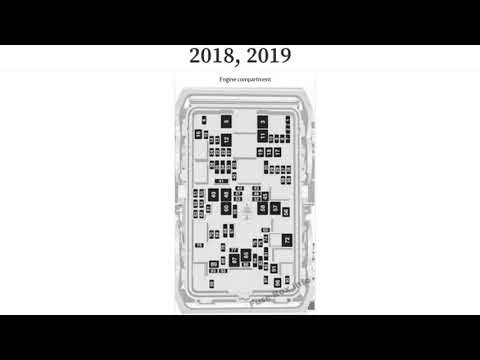
In this video, you can see where the fuse boxes are located on the Opel Insignia and the corresponding diagrams, to consult in case you need to check…
Other guides you may be interested in
|
How to Activate the Automatic Folding and Unfolding of the Wing Mirrors on the Jeep Compass
Follow these brief instructions to activate the automatic folding and unfolding of the external wing mirrors on the Jeep Compass. First, get inside the vehicle and turn on the ignition; then press the button located beneath the mirror glass adjustment to electrically open the mirror, as shown in the video. Pressing the button in the opposite direction will close the mirrors; by holding the button, the mirrors will open and close automatically! by ScegliAuto More videos
|
|
For advertising on this site Write to info@scegliauto.com
ScegliAuto is not responsible for any inaccuracy of the data in the lists. To report any inaccuracy or your business (if you own the business in question), please write to info@scegliauto.com
Number of seconds to generate the page: 0.145
(c) ScegliAuto 2026 - info@scegliauto.com - Privacy policy VAT number: IT01247470535 |
