
|
Do it yourself
| |||
| ||||


Oil change reset on an Opel Insignia
Model: Vauxhall Insigna
Insigna A, MK 1
- Years 2008-2017
Thanks to this very useful tutorial today we can see the entire step-by-step procedure to reset the oil change light on an Opel Insignia, first generation model produced from 2008 to 2017. First, we press and hold the "START/STOP" button for about five seconds until we enter the screen that shows us the remaining life of the engine oil expressed in percentage as shown in the video. Once we have done this, we press the right arrow to open the drop-down menu and select "reset" to restore the life of the engine oil, finally we turn off and turn on the vehicle.
Posted on 29 March 2024 by ScegliAuto
Video tutorial
Related tutorials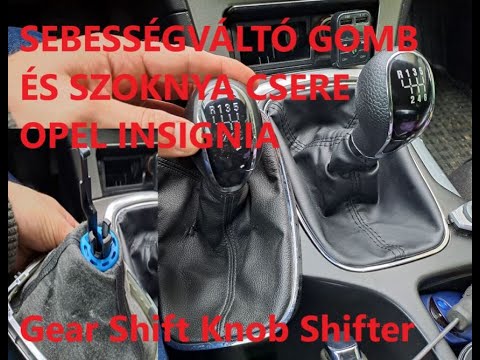
Vauxhall Insigna
(2008-2017 /
Insigna A, MK 1)
Today's guide will show us how to dismantle and replace the gear knob and gear shift boot of the Opel Insignia, following the instructions below. Fir…
Vauxhall Insigna
(2008-2017 /
Insigna A, MK 1)
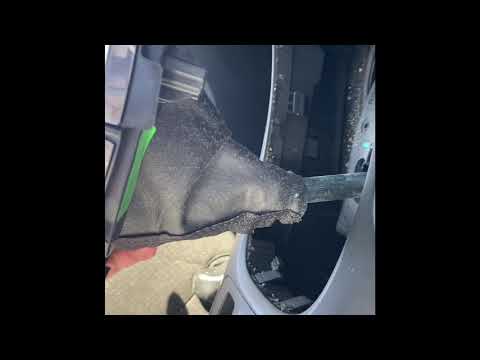
Let's see the steps below that will allow us to disassemble and replace the knob of the automatic transmission lever of the Opel Insignia. First, we …

Vauxhall Insigna
(2008-2017 /
Insigna A, MK 1)
In this very useful tutorial, you will see how to reset the oil change notification on a 2014 Opel Insignia. Let's start the operation by turning on …
Other guides you may be interested in
|
Frequently Asked QuestionsHow to Reset the Service Light on a Fiat 500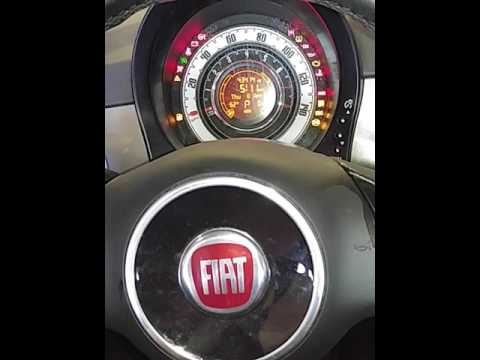
In this video, learn how to reset the oil maintenance service indicator on a Fiat 500. This is a very simple operation. Enter the vehicle and turn on the ignition. Press the accelerator pedal three times in quick succession, then release the pedal. Turn off the ignition and remove the key from the ignition lock. Reinsert the key and turn on the ignition, then wait for the indicator to illuminate. Finally, check the changes made to the car. Always remember to perform onboard computer modifications with the engine off. by ScegliAuto More videos
|
|
For advertising on this site Write to info@scegliauto.com
ScegliAuto is not responsible for any inaccuracy of the data in the lists. To report any inaccuracy or your business (if you own the business in question), please write to info@scegliauto.com
Number of seconds to generate the page: 0.110
(c) ScegliAuto 2026 - info@scegliauto.com - Privacy policy VAT number: IT01247470535 |
